To Next Page
J
Jean RomeroDec 1, 2025
What to do if Dometic CapTouch Control Unit does not heat?
- LLaura WardDec 1, 2025
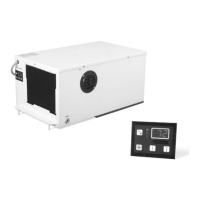
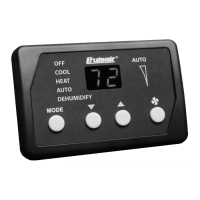
If your Dometic Control Unit does not heat, consider the following possible causes: * The unit may not have a heating cycle. Most units have a reverse cycle to create heat, but some units may not have this function. * The display may be set to cool-only or electric heat. Change the parameters on the display or press the Mode button to activate heating or automatic. The auxiliary electric heat will not function if the display is set to auxiliary electric heat and the unit does not have an auxiliary electric heater added. * The reversing valve may be stuck. Lightly tap on the valve with a rubber mallet while the unit is in heat mode. Call a service technician if that does not correct the problem. * The seawater temperature may be too low. For the unit to heat (if the reverse-cycle o...
 General