Operation Section
-65-
Tuning in a station
AM
FM
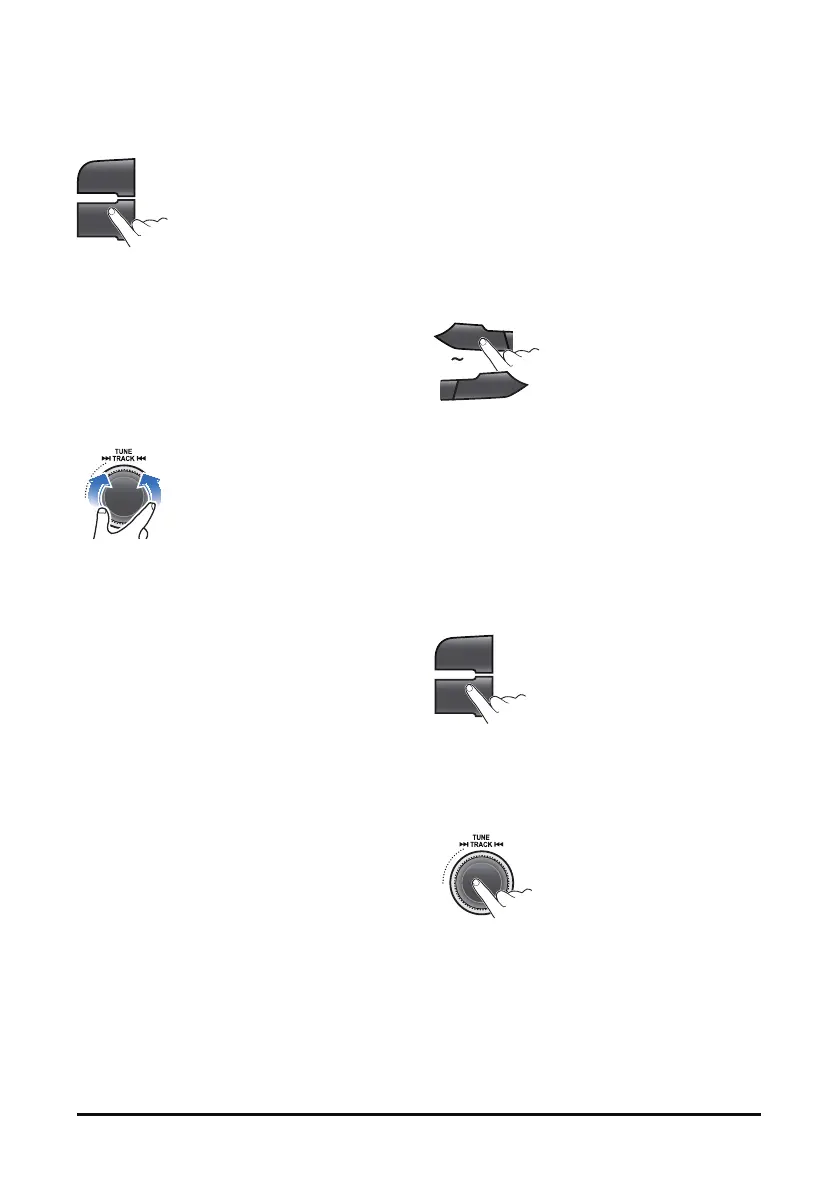
1. Press the AM or FM button to change the band
in order of AM1. AM2. FM1 or FM2.
You can select the FM 1. FM2. AM 1 or AM2
radio band.
While the Auto 5tore stations are stored, you can
select the AMA or FMA band by additional.
The previously chosen broadcasting station will
be received.
SCN
AST
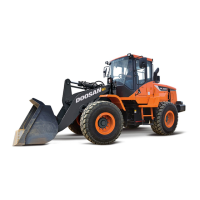
2. Press the SCN button or turn the │◀◀ TUNE
▶▶│dial left/right to select the station.
Using TUNE: Briefly turn the dial, plays
previous/next frequency.
Using SEEK: Turn and hold the dial,
automatically search for station with superior
reception.
Using SCAN: Press the button, starting from the
current station, stations with superior reception
are scanned for 5 seconds and the previous
station is restored.
During the seeking or scanning, if press or turn
the dial left/right again, the selected station will
begin playing.
During the FM reception, the Stereo [ST] indicator is
on.
Radio
Saving radio stations manually
You can save up to 6 preset channels each for FM 1,
FM2, FMA, AM 1, AM2, and AMA.
If change the stations while driving, use preset
button to prevent accidents.
1. Press the AM or FM button repeatedly to select
the band.
1
II
6
D+
2. After selecting the frequency, press and hold the
PRESET [1∥] - [6 D+] button.
The frequency is saved to the selected preset
button.
A total of 24 frequencies with 6 preset
frequencies each for FM1/FM2/AM1/AM2 modes
can be saved.
Saving radio stations automatically
AM
FM
1. Press the AM or FM button repeatedly to select
the band.
The previously chosen broadcasting station will
be received.
SCN
AST
2. Press and hold the AST button to automatically
save receivable frequencies to Preset button.
"AST" is shown, and then stores stations in the
order of their frequencies on the Preset buttons.
Up to 6 stations can be stored in each of the
AMA and FMA band


 To Next Page