- 50 -
Configuring set idle rpm
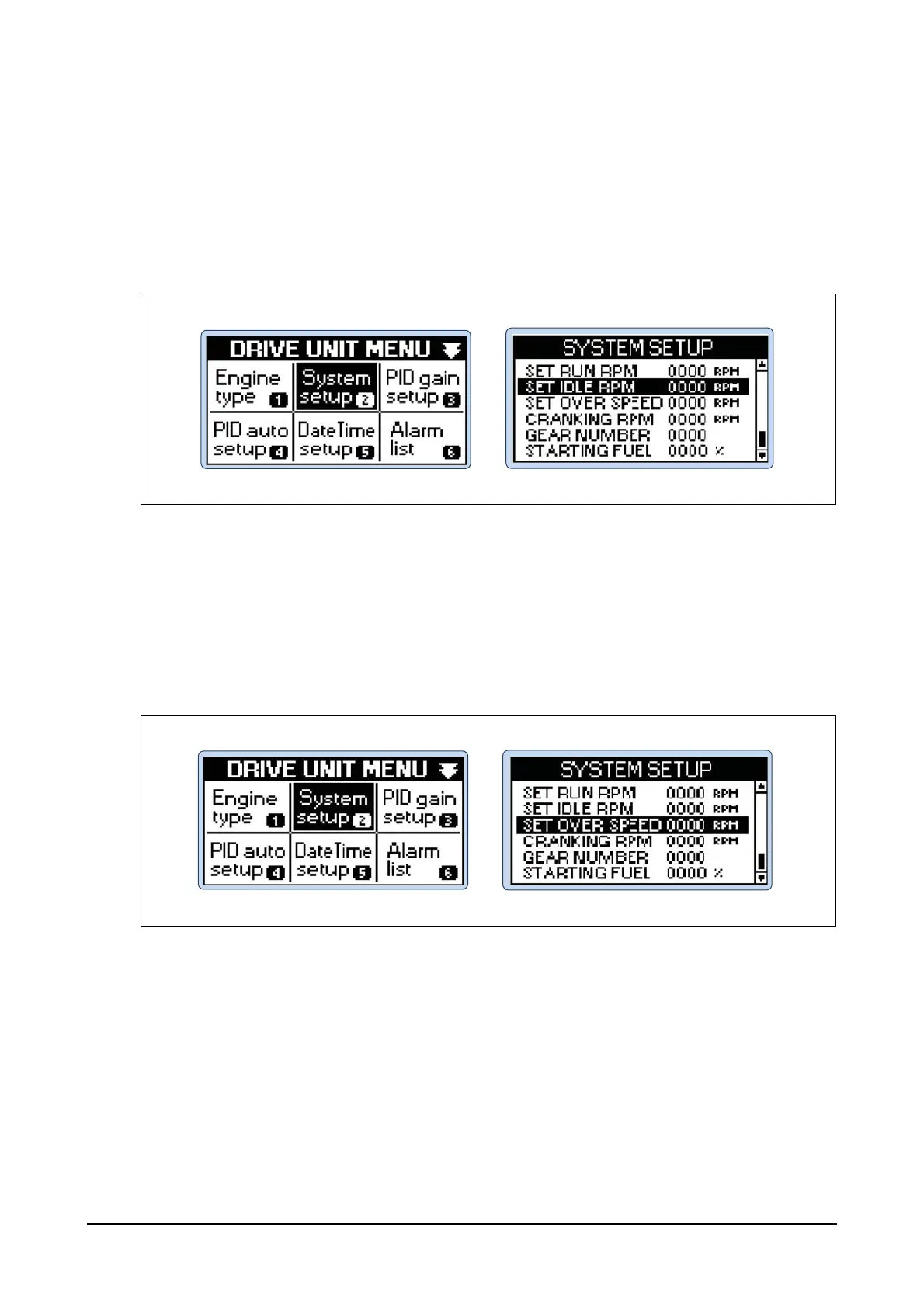
Step 1) Press Menu button of the controller and then you can see DRIVE UNIT MENU.
Step 2) Select System setup menu in DRIVE UNIT MENU using Up, Down, Left and Right buttons
and then press Enter button.
Step 3) Select SET IDLE RPM in SYSTEM SETUP menu and then press Enter button.
Use Up and Down buttons to increase or decrease the idle operating speed of the engine
and then press Enter button.
Configuring set over speed
Step 1) Press Menu button of the controller and then you can see DRIVE UNIT MENU.
Step 2) Select System setup menu in DRIVE UNIT MENU using Up, Down, Left and Right buttons
and then press Enter button.
Step 3) Select SET OVER SPEED in SYSTEM SETUP menu and then press Enter button. Use Up
and Down buttons to increase or decrease the over speed values of the engine and then
press Enter button.




 To Next Page