- 53 -
Configuring max current
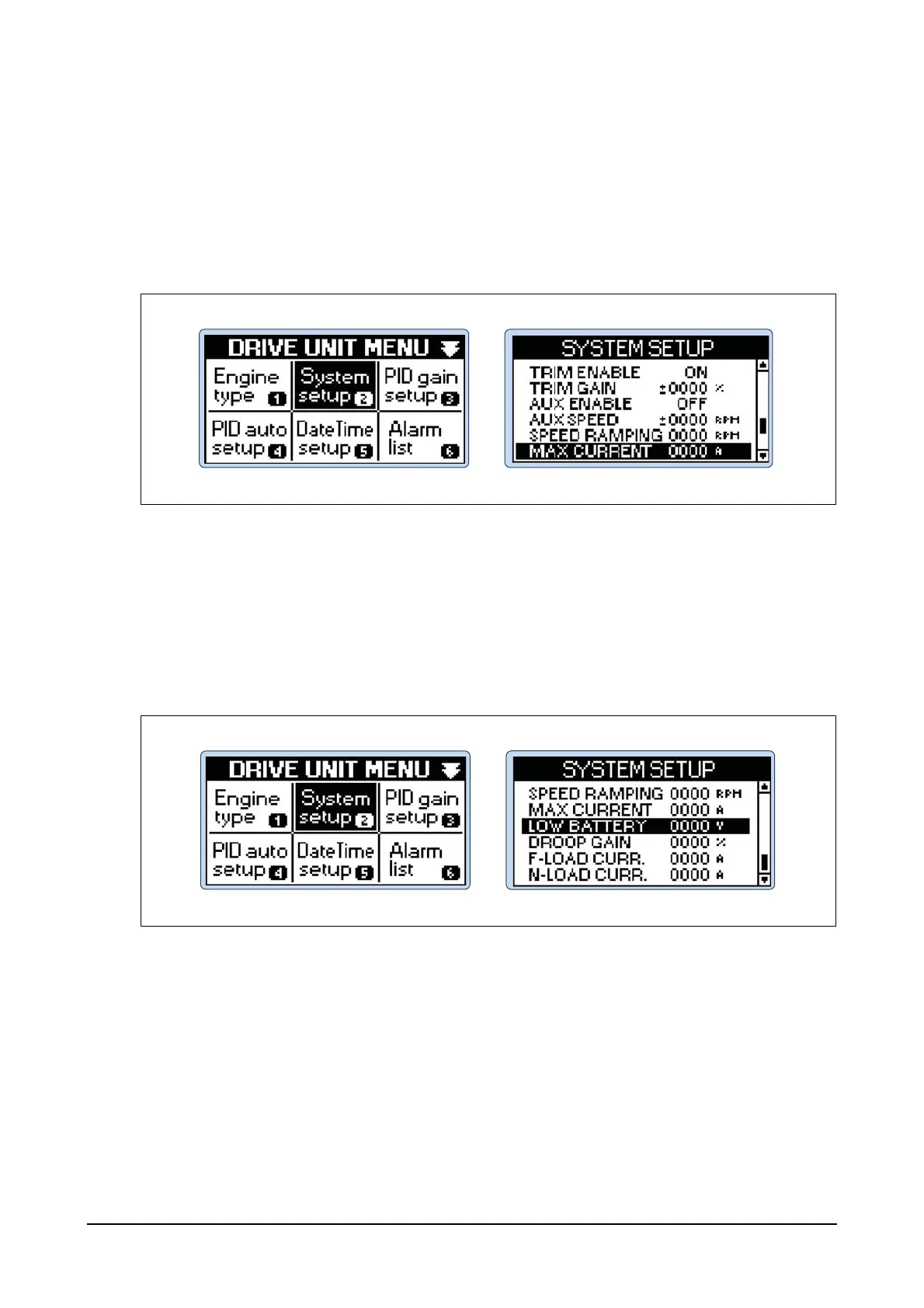
Step 1) Press Menu button of the controller and then you can see DRIVE UNIT MENU.
Step 2) Select System setup menu in DRIVE UNIT MENU using Up, Down, Left and Right buttons
and then press Enter button.
Step 3) Select MAX CURRENT in SYSTEM SETUP menu and then press Enter button.
Use Up and Down buttons to increase or decrease the limit of the maximum current con-
sumption of the actuator and then press Enter button (Max. 10 A).
Configuring low battery
Step 1) Press Menu button of the controller and then you can see DRIVE UNIT MENU.
Step 2) Select System setup menu in DRIVE UNIT MENU using Up, Down, Left and Right buttons
and then press Enter button.
Step 3) Select LOW BATTERY in SYSTEM SETUP menu and then press Enter button.
Use Up and Down buttons to input voltage values at which low battery alarms are activated
and then press Enter button.
EDL11160066




 To Next Page