OP001760Operating Controls
2-20
Functional check
When the engine starter switch is turned to the "I" (ON) position,
all gauge bands, switch/button indicator lights and warning lights
will turn "ON" and the alarm buzzer will sound about two
seconds.
During this functional check, a LOGO will appear on the
multifunction gauge in the graphic information area (3 and 4,
Figure 35).
Password Activated
If a password has already been set and the system has been
"LOCKED," the password display will appear on the screen once
the functional check has been completed. Enter the password
into the text area and then engage the starter.
NOTE: Refer to “Set Password (Lock and Unlock)” on
page 2-39, for further details.
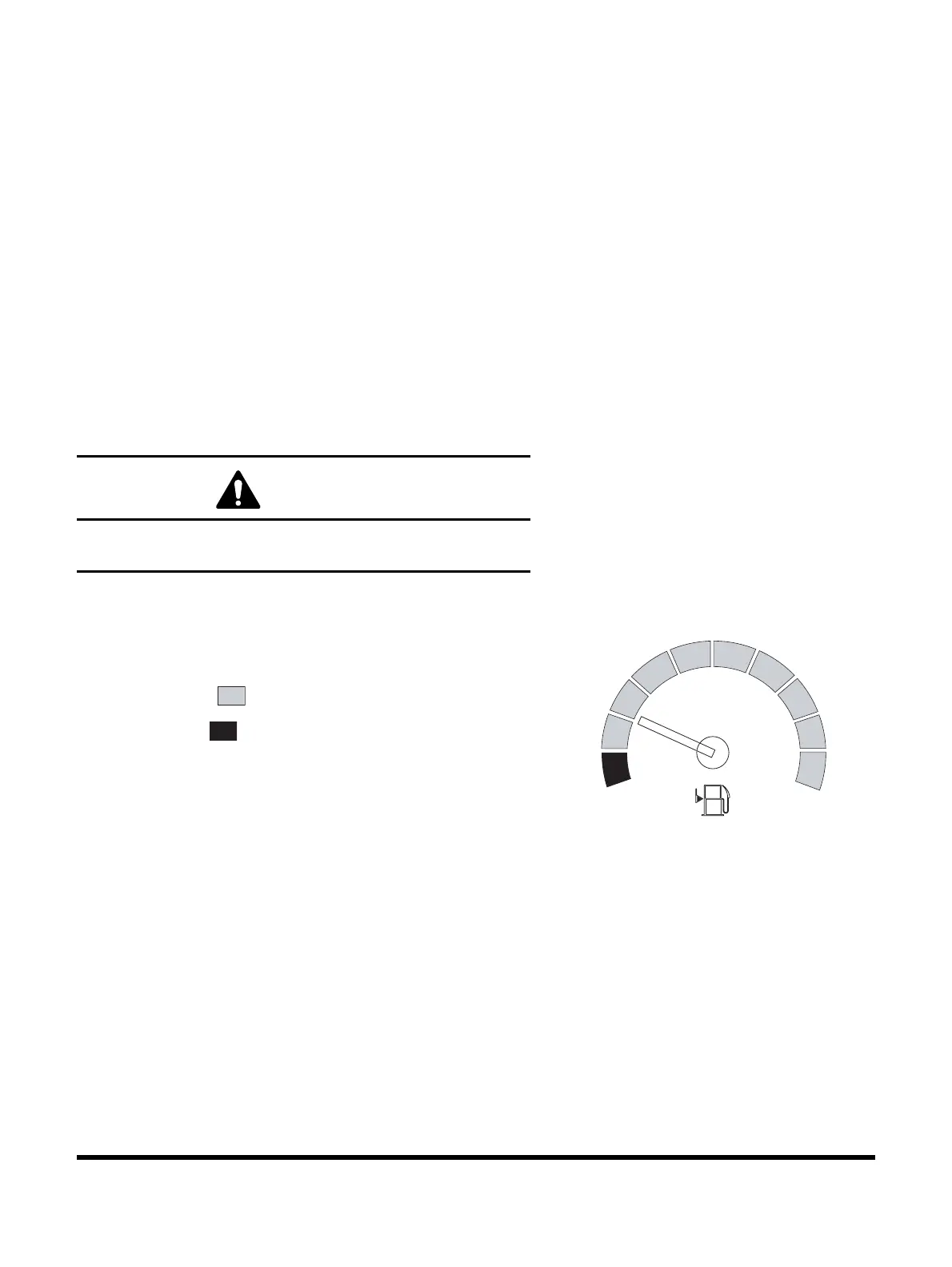
1. Fuel Gauge
Shows remaining fuel quantity in tank.
BLUE ZONE ( ) - Indicates a normal fuel quantity.
RED ZONE ( ) - Indicates that the fuel level is low.
If the gauge pointer moves into the red zone, the fuel level
symbol will turn "ON," and be display in the screen. Stop
operation and immediately and add fuel.
NOTE: See “Abnormal State Warning Symbols” on
page 2-27, for location of this warning symbol
and others.
Check the fuel level on firm, level ground.
CAUTION
If the password does not match the stored password, the
engine will not start.
F
4
Figure 36


 To Next Page