English
Selection buttons :
The selection buttons have multiple functions. The current key function is
shown above the selection button on the display.
Assistance
Press to make an assistance call.
Hands-free button
Press to switch between handset and hands-free mode. Speak clearly in-
to the phone microphone at a maximum distance of 1 m.
Redial button r
Press r to redial the last dialled number.
Mute button z
Press z to switch the microphone on/off during a call.
One-touch memory buttons M1/M2/M3
Once set, press M1/M2/M3 to directly call the saved number. See Contacts,
p.11
FM radio button
Press FM to start the FM radio. Press Options for the different options. See
FM radio, p.17
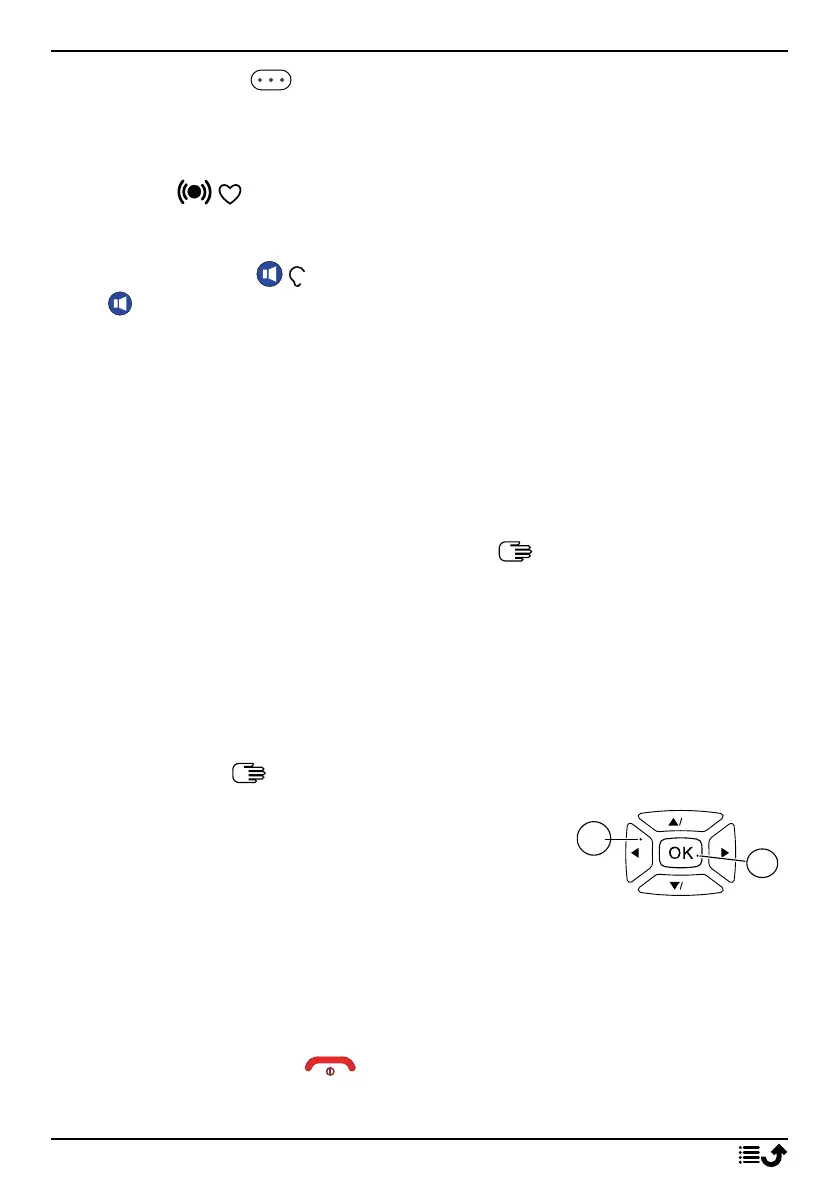
Navigation keys
• (A) Use the Four-way navigation keys to nav-
igate up, down, left and right.
• (B) Use the OK to open the Menu and to con-
firm actions.
Standby (idle mode)
When the phone is ready to use, and you have not entered any characters,
the phone is in standby.
Tip: You can always press to return to standby.
5



 To Next Page