English
SOS calls
As long as the phone is switched on, it is possible to place an SOS call by
entering the main local emergency number for your present location fol-
lowed by .
Some networks accept calls to emergency numbers without a valid SIM
card. Contact your service provider for more information.
Call log
Received, missed and dialed calls are saved in a combined call log.
1. Press .
Alternatively, press Call log.
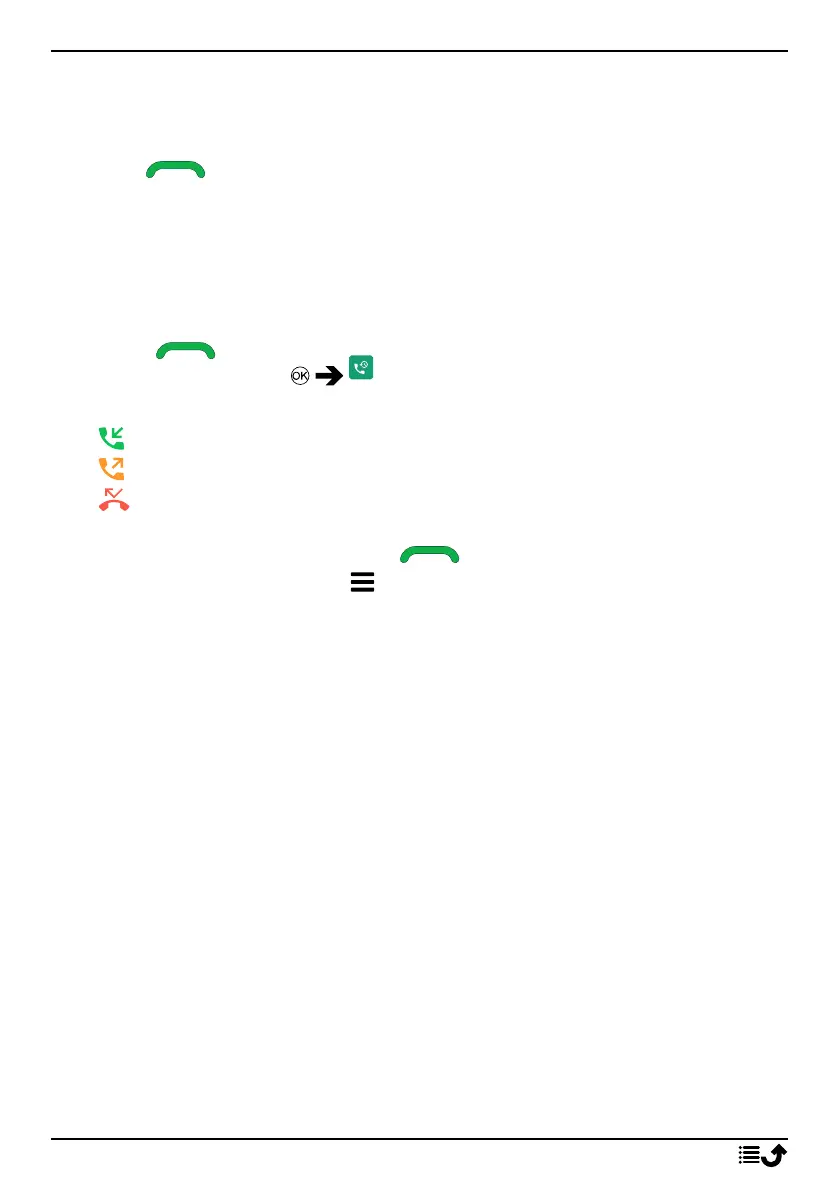
2. Calls are displayed as follows depending on call type:
Incoming call
Outgoing call
Missed call
3. Select wanted entry and press to dial, or...
Select an entry and press to:
• Details to show details for the selected call.
• Call to call the selected number/contact.
• Send message to send a text message.
• Add to contacts to save the number to the contacts.
• Add to new contact to add the number as a new contact.
• Add to existing contact to add the number to an existing
contact.
• Add to blacklist/Remove from blacklist to block/unblock the
number. You will not receive calls or messages from a blocked
number. See Blacklist, p.37.
• Delete to delete the selected entry in the call log.
• Delete all to delete all entries in the call log.
13



 To Next Page