English
• Delete to delete that individual message.
• Delete all to delete all messages.
Settings
Select the type of alert messages that you want to receive.
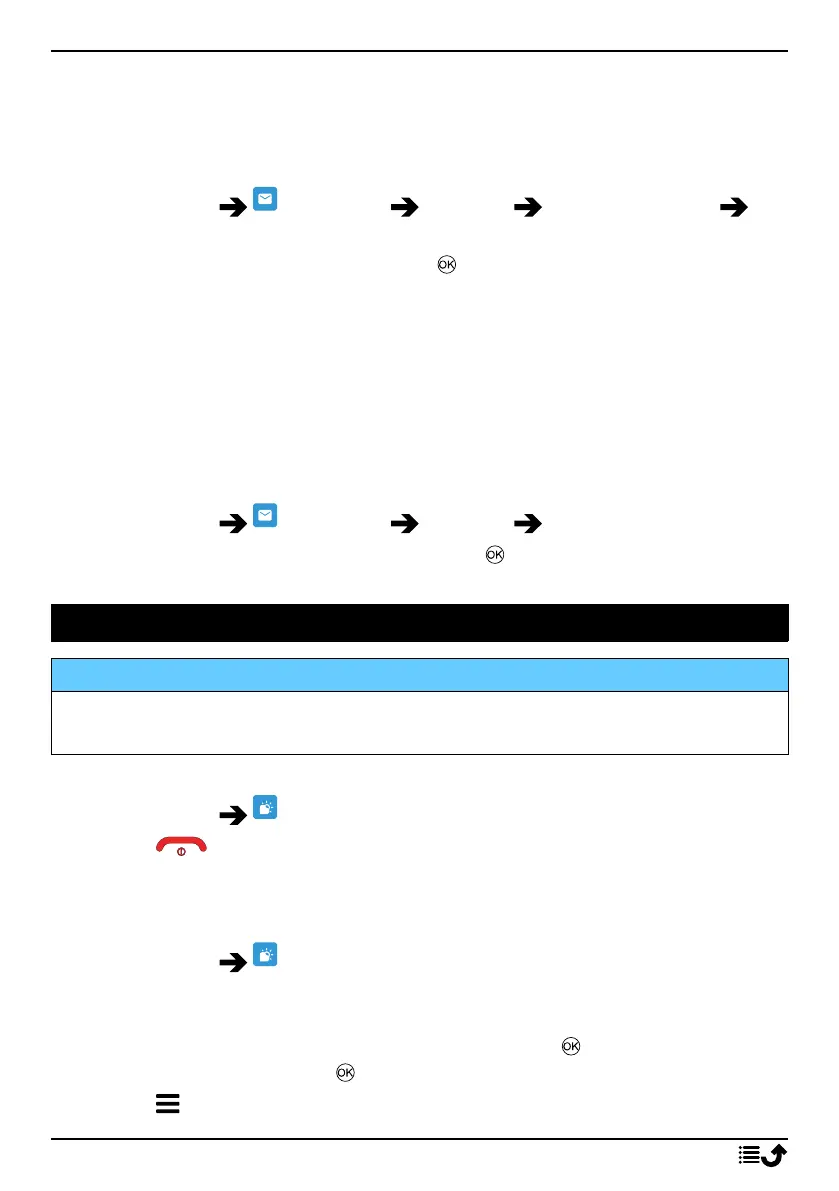
1. Press Menu Messages Settings Emergency alert
Settings.
2. Enable/disable message type with button.
Set Voice mail
If your subscription includes an answering service, callers can leave a voice-
mail message when you are unable to answer a call. Voice mail is a net-
work service and you may need to subscribe to it first. For more
information and for the voicemail number, contact your service provider.
Call voicemail
• Press and hold shortcut button
1
.
1. Press Menu Messages Settings Voice mail.
2. Press Edit and enter number and press to confirm.
Weather
IMPORTANT!
The weather function uses data services that can be costly. We
recommend that you check your data rates with your service provider.
View the weather for your chosen city.
1. Press Menu Weather.
2. Press to return to standby mode.
Note! In order to see the weather, you must first select a city.
Weather settings
1. Press Menu Weather.
2. Select Weather: The first time you open the weather function, you
will be requested to enter the city nearest to you for your weather
forecasts. Enter the name of the city and press to search. Select the
city in the list and press .
3. Press for options.
24



 To Next Page