English
• City: press and Edit to edit or Delete to delete the city.
• Wallpaper and select On (to view the weather in standby mode).
• Temperature unit to select between Celsius and Fahrenheit.
Camera
You can take photos, record videos and view your photos and videos using
the camera menu.
To get sharp photos and videos, wipe the lens clean with a dry cloth.
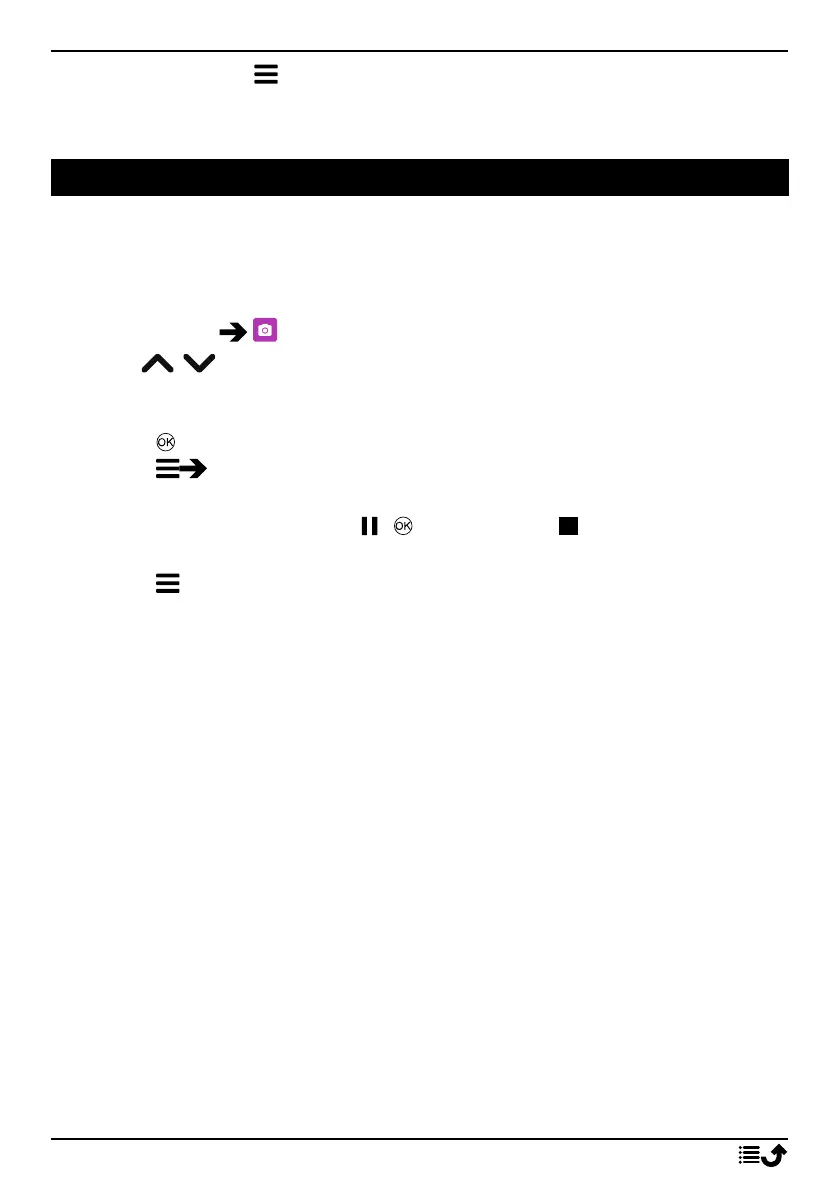
1. Press Menu Camera.
2. Use
/ to zoom in and out.
Note! Zoom may reduce picture quality.
3. Press to take photo or start/stop video recording.
Press Camera/Video camera to switch between camera and vid-
eo recording.
4. For video recording, press ( ) to pause and to stop the record-
ing. Press Yes to save the recording.
5. Press for more options:
Note! Some options are only available in photo mode and some in
video mode.
Image viewer
• The Image viewer displays all your taken photos and recorded
videos in the gallery. See more at Gallery, p.29.
Flash
• Auto to automatically use the flash/lamp depending on the sur-
rounding light.
• Off to force the flash/lamp to off regardless of the surrounding
light.
• On to force the flash/lamp to on regardless of the surrounding
light.
Note! The flash setting made will remain until you change it.
Camera/Video camera
• Switch between camera and video recording.
25



 To Next Page