The items supplied with your phone might
vary depending on the software and accesso-
ries available in your region or offered by your
service provider. You can obtain additional ac-
cessories from your local Doro dealer. The
supplied accessories provide the best per-
formance with your phone.
1. Earpiece
2. Display
3. Left selection button
4. Call button
5. Top 10 shortcut
6. Voice mail
7.
*
International prefix/
Symbols
8. Microphone
9.
#
Input method/Silent
10. Camera shortcut
11. Message shortcut
12. End call / Power on/off
13. Arrow buttons
14. Right selection button
15. Camera flash/torch
16. Red light = Battery level low/
Charging
17. Green light = New message/
Missed call
18. Camera lens
19. Headset socket
20. Charging socket
21. Assistance button
22. Loudspeaker
23. Volume control
24. Lanyard hold (lanyard
optional)
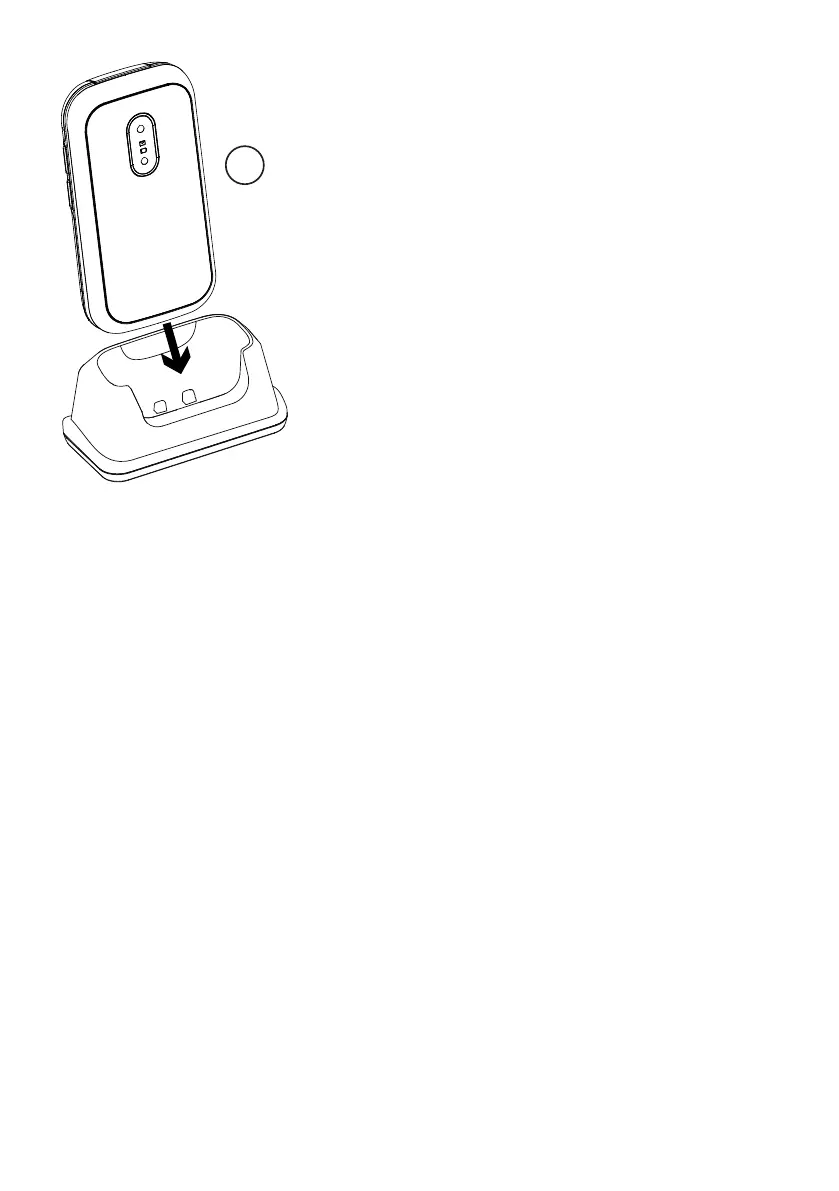
25. Charging stand (optional)



 To Next Page