English
Tip: For more options select an existing entry, and press Options � Skip
reminder, Add, Edit, Delete or Delete all.
Calculator
The Calculator can perform basic mathematical operations.
1. Press Menu � Calculator.
2. Enter the first number. Use
#
to enter decimal points.
3. Use the arrow buttons to select an operation (+, -, x, ÷) and press Ok.
4. Enter the next number and press Ok.
5. Repeat steps 2–4 as necessary.
Select = and press Ok to calculate the result.
Torch
1. Press Menu � Torch.
2. Select Off to power off.
Torch settings
1. Press Menu � Settings � General � Torch.
2. Select Time:
• 1 min to power off automatically after 1 min.
• 5 min to power off automatically after 5 min.
• No limit to power of manually.
3. Select Sound:
• Select On to enable, or Off (default) to disable.
4. Press Ok to confirm.
Note! The torch will drain the battery very quickly. Remember to power off
the torch after use.
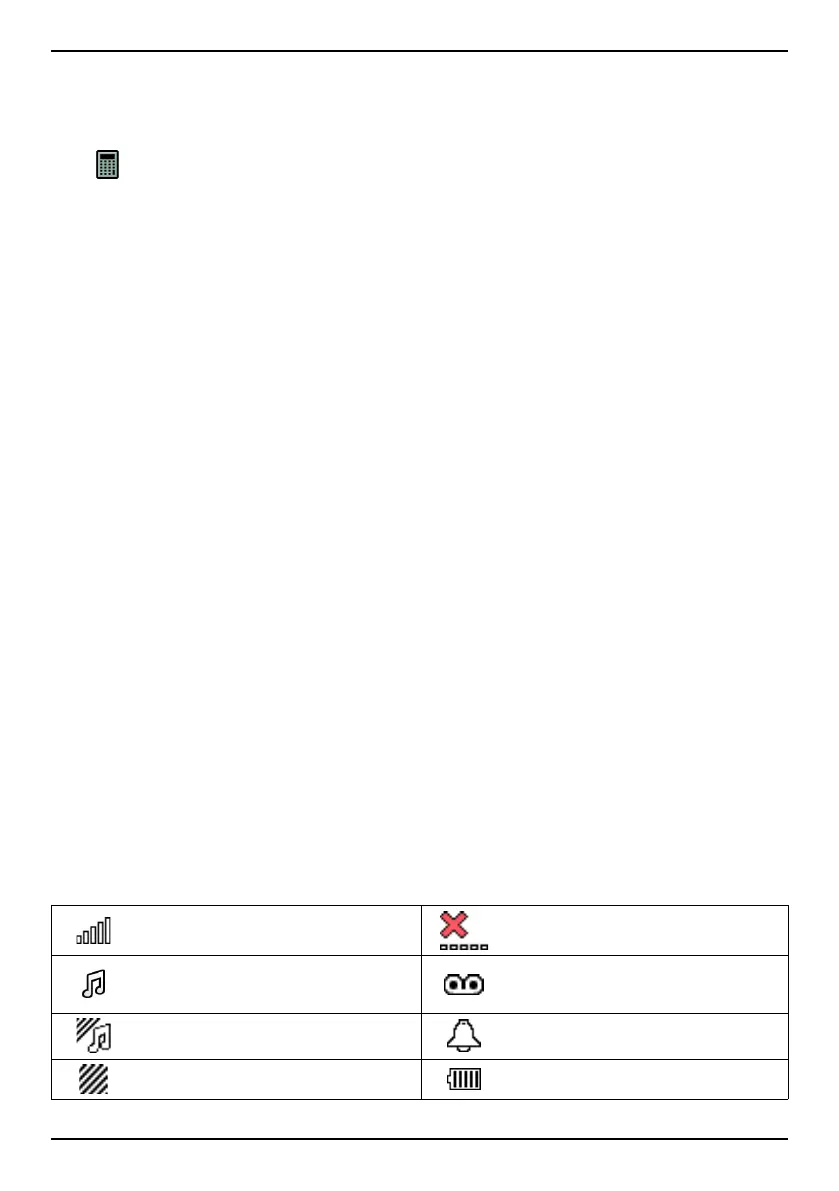
Display status symbols
Signal strength
No network coverage
Ring only Voice mail message received
Ring + vibration
Alarm active
Vibration only Battery level
42



 To Next Page