English
1. Press Menu Organiser
Calculator.
2. Enter the first number.
Use
*
for decimal character
and
#
to toggle between
positive and negative number.
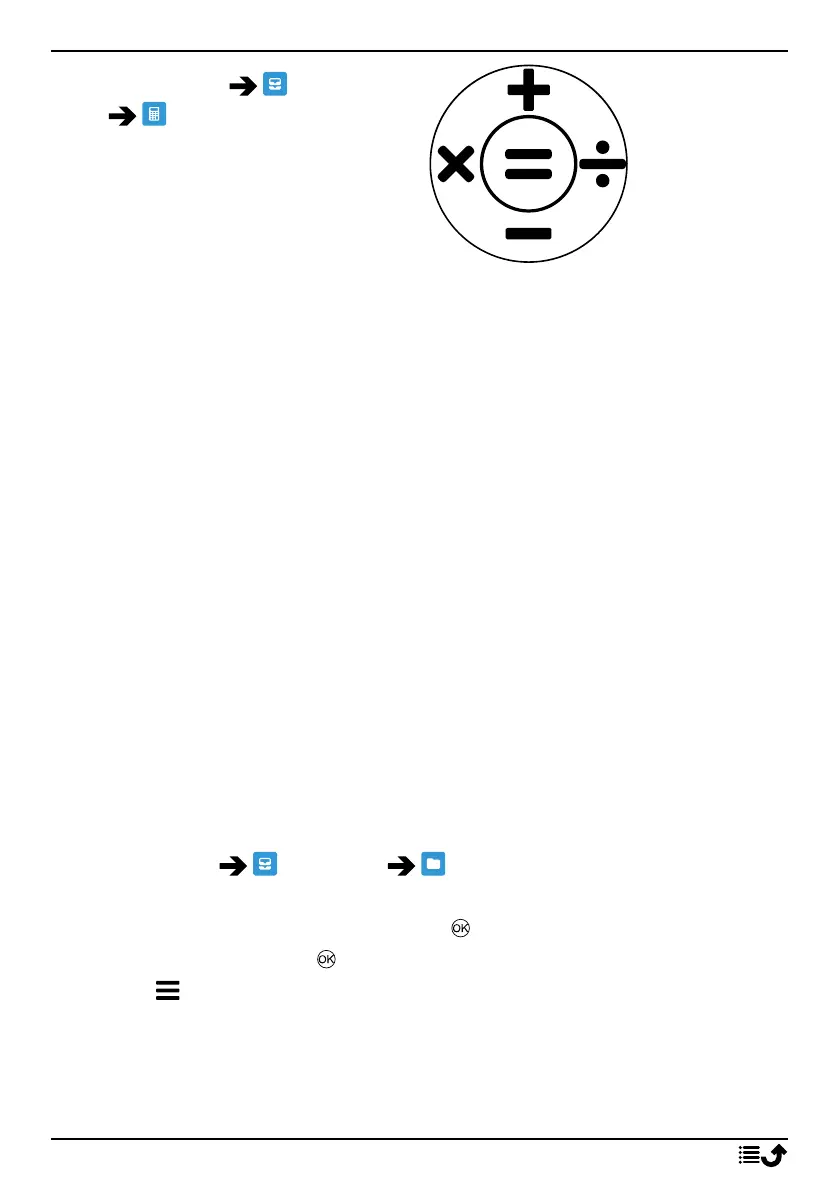
3. Use the navigation key to se-
lect an operation (+, -, x, ÷).
4. Enter the next number.
5. Repeat steps 2–4 as necessary.
My files
Manage the contents and properties of files. You can open, delete, move,
copy and rename files.
The files are normally stored in the folders corresponding to the type of
file.
Audio
Video file types like, MP3, AAC, AAC+, AMR-NB, AMR WB, PCM,
ADPCM, WMA, MIDI
Others Other file types that are not recognised as audio, photo, video or
vCard.
Photos
Image file types like, JPG, GIF, PNG, BMP
Video
Video file types like, 3GP, MP4, AVI,FLV
vCard
vCard, with file format VCF (Virtual Contact File), is the standard for
electronic business cards. vCards can be sent via Multimedia Mes-
saging Service (MMS) or Bluetooth.
1. Press Menu Organiser My files.
2. Select Phone or MemoryCard.
3. Select a folder, e.g. DCIM and press to open it.
4. Select a file and press to open the file.
5. Press to see the available options.
28



 To Next Page