English
Media
Gallery
View and manage your saved pictures and videos.
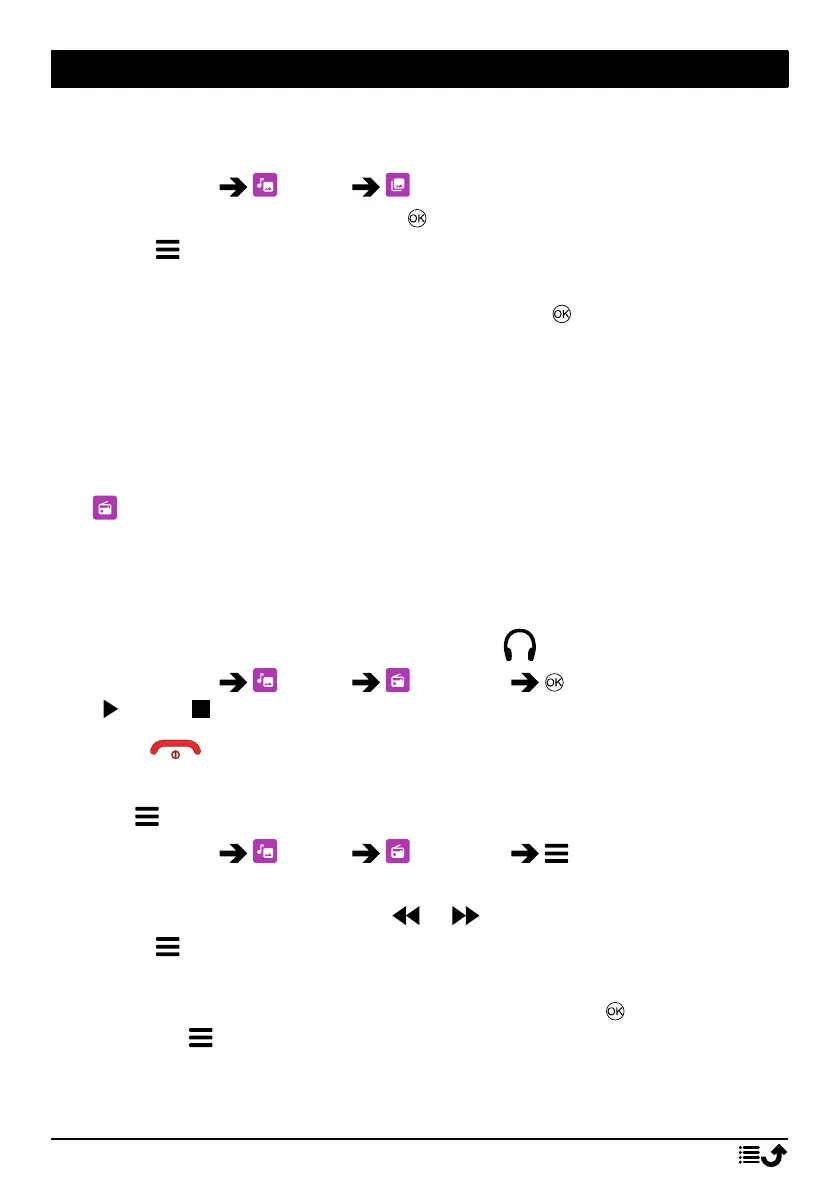
1. Press Menu Media Gallery.
2. Select a photo/video and press to .
3. Press for options.
• Send to send a picture/video via MMS or Bluetooth.
• Delete to delete the selected item. Press to confirm.
• Use to use a photo as Wallpaper or Contact Picture.
• Rename to rename. Edit the name and press Save.
• Details to view detailed information about the file, e.g. date, size,
type.
FM radio
The FM radio has a frequency range from 87.5 to 108.0 MHz. To listen
to the radio you need to connect a compatible headset that works as
antenna.
Turning the radio on/off
1. Connect a headset to the headset socket
.
2. Press Menu Media FM radio to turn the radio on (
) / off ( ). The tuned frequency is displayed.
Tip: Press to return to standby mode. The radio will continue to play.
Disconnecting the headset will turn off the radio.
Options
1. Press Menu Media FM radio for options:
2. The phone will automatically search for available radio stations.
3. Switch between stations with or .
4. Press for options:
• Auto save channels to search for available radio stations.
• Channel list to see your saved channels. Press to play channel
and for more options:
• Play to play channel.
• Edit to edit channel name and frequency.
29



 To Next Page