English
5. Press to access more options.
6. When done, select and press .
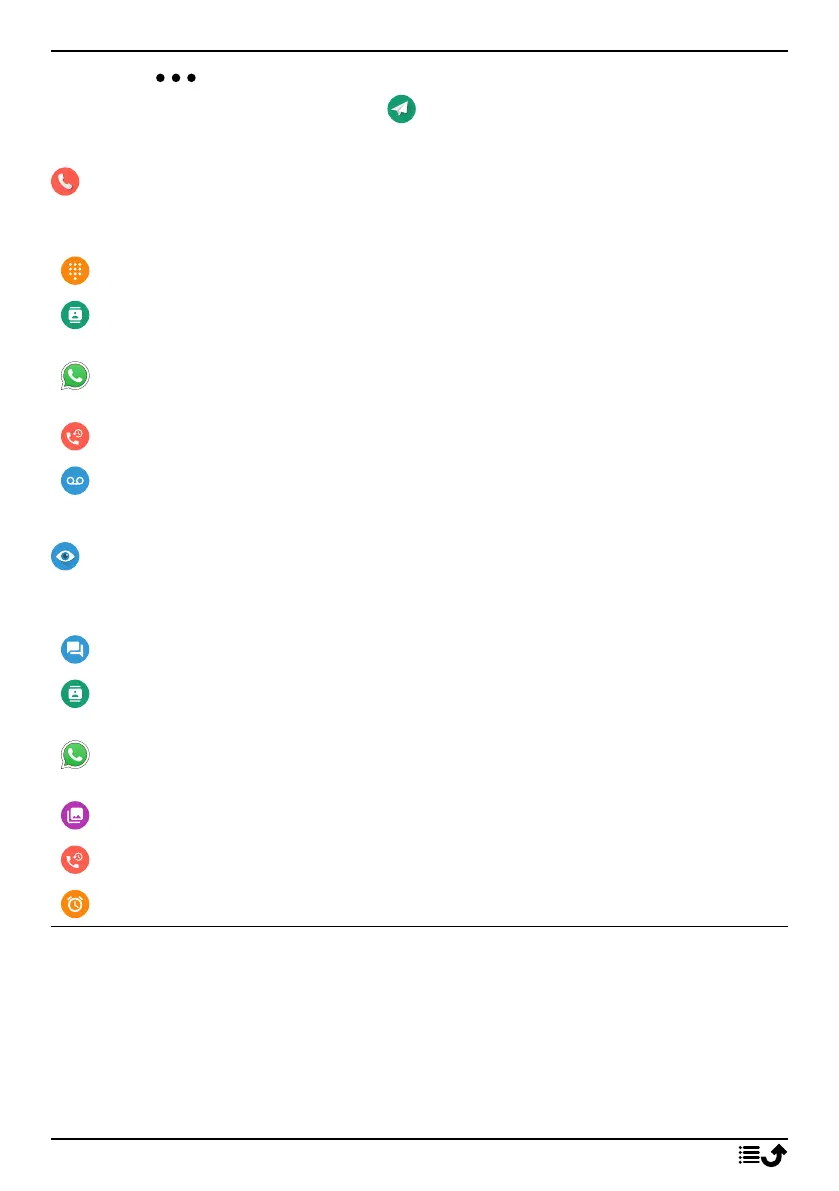
Call
To call someone.
A number to enter a phone number, see Calls, p.15.
A contact to make a call from your contact book. For more info see
Contacts, p.20.
A WhatsApp contact to make a call to a WhatsApp contact . For more
info see WhatsApp, p.34.
A recent contact to call from the call history, see Call history, p.16
My voicemail to call your voicemail, see also Set Voicemail, p.20.
View
To see and view content reach many of the most frequently used apps.
My messages to view messages (SMS/MMS).
My contacts to see and handle your ICE card (In Case of Emergency),
see Contacts, p.20.
My WhatsApp messages to view WhatsApp messages. For more info
see WhatsApp, p.34.
My gallery to view your stored pictures and videos, see Gallery, p.36.
My call history to view your call history, see Call history, p.16.
My alarms to view your alarms or add a new one, see Alarm, p.36.
10



 To Next Page