English
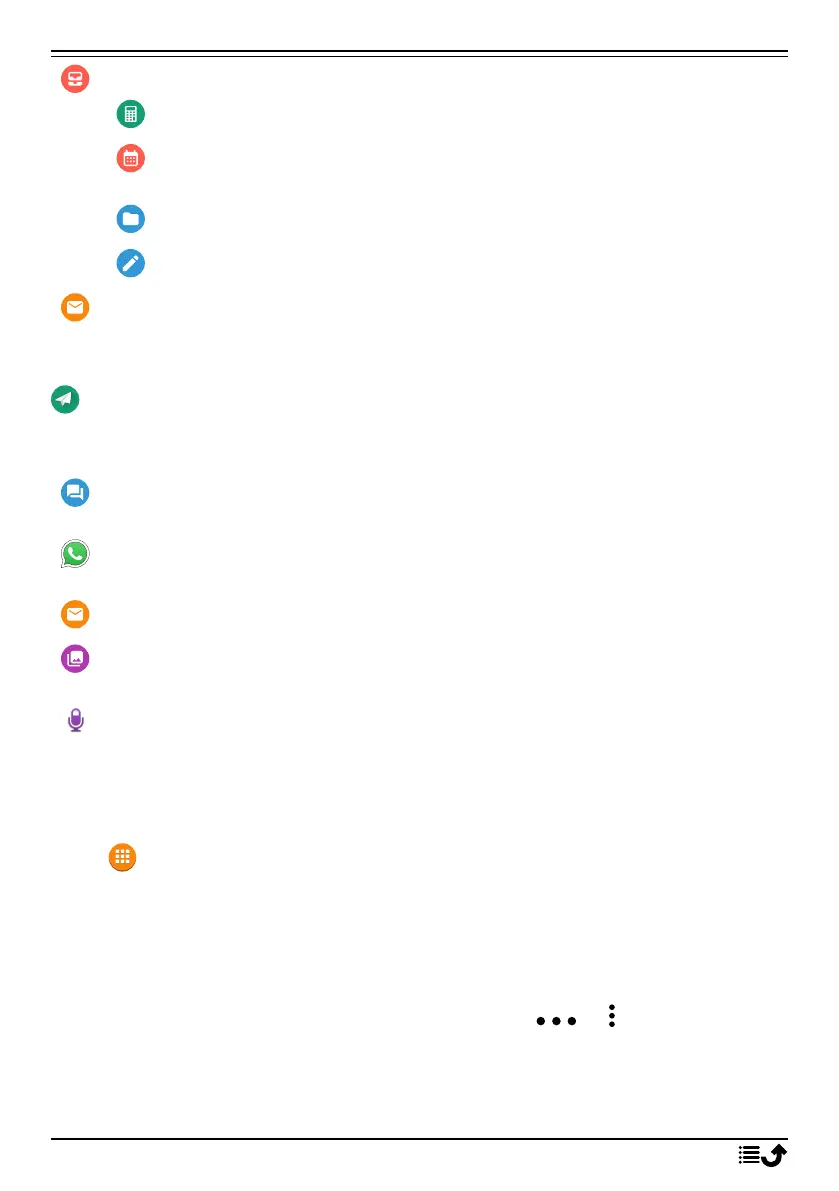
My organiser
Calculator to make some calculations, see Calculator, p.43.
Calendar to view the calendar and your events, see Calendar,
p.43.
File manager to view stored videos, see File manager, p.44.
Notes to view your notes, see Notes, p.44.
My e-mails to view emails, create or add an email account, see Email,
p.40
Send
To send and share messages, email, pictures and more from your phone.
A message to send a text (SMS), picture (MMS) message, see Create
and send text message (SMS)/picture message (MMS), p.29.
A WhatsApp message to send a WhatsApp message. For more info
see WhatsApp, p.34.
An email to send an email, see Create and send e-mail, p.40.
A picture to send a picture or video. To view stored images and vid-
eos, see Gallery, p.36
A recording to record and send a recorded sound, see Recorder, p.39.
Note! The action-based navigation telephone menu can be turned off.
SeeNavigation guides, p.57.
Press Menu to reach all the apps.
Sharing content
Share content by using various sharing options.
In many places of the phone menu you can press or for more options.
Press Share to share a selected item:
11



 To Next Page