English
For the Responder
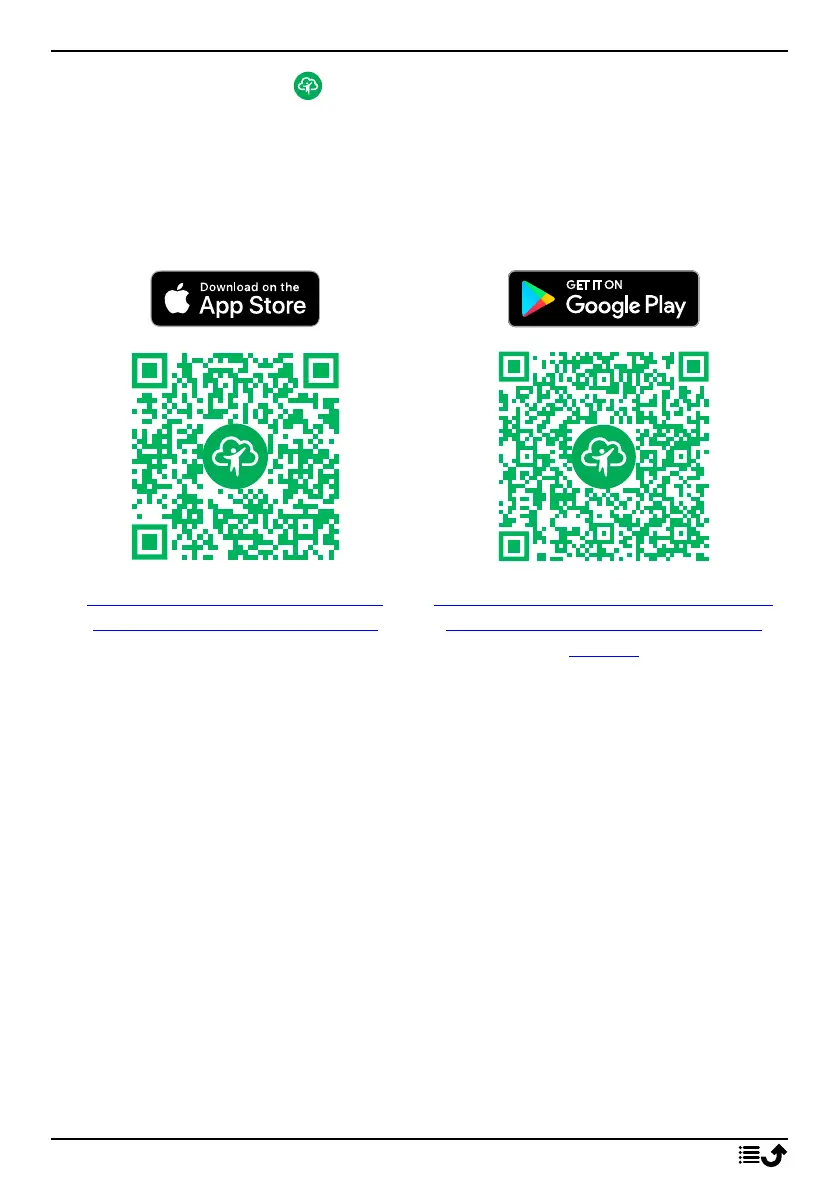
Download and install the app Response by Doro
Before you setup an account you need to download and install the app Re-
sponse by Doro.
For iPhones For Android phones
https://apps.apple.com/app/re-
sponse-by-doro/id1437509312
https://play.google.com/store/apps/
details?id=com.doro.apps.mydoro.
relative
Create an account in the app Response by Doro
The first Responder that sets up an account and invites the Senior user
will be the Admin for the Group of Responders.
1. Start the app and grant the required privileges.
Note! If needed, you should also grant Response by Doro access when
your phone is set to “Do Not Disturb”. Press back to return.
2. After a few short descriptions of the app, you need to agree with the
terms and conditions for the service. Check the box and press Next.
3. Enter your mobile number and press Next.
4. Enter your First name and Last name and press Next.
5. You will receive a text message (SMS) shortly with an verification code.
If you don’t receive the message, make sure you have entered the cor-
rect number. Press Resend text to resent a the message.
27



 To Next Page