English
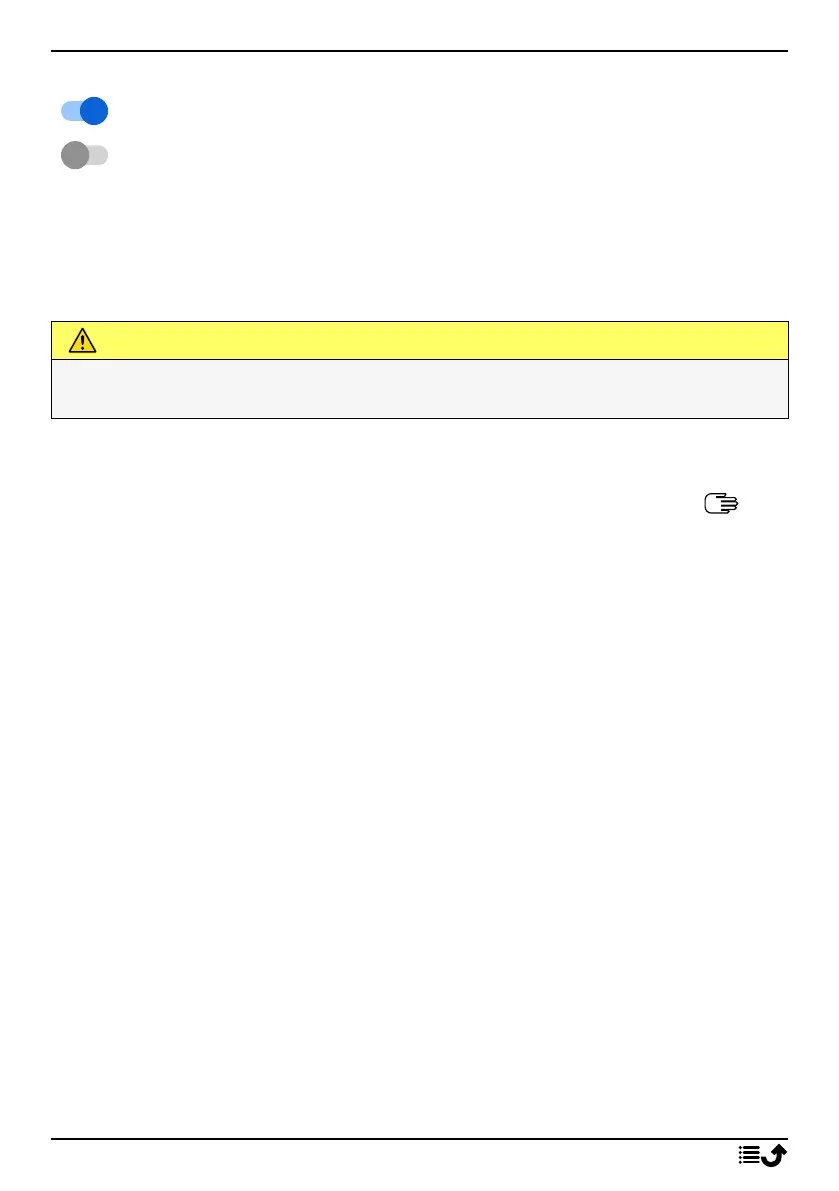
To enable and disable features and functions
enabled functions.
disabled functions.
Headset
When a headset is connected, the internal microphone in the phone is au-
tomatically disconnected. If available, use the answer key on the headset
to answer and end calls.
CAUTION
Using a headset at high volume may damage your hearing. Adjust the
volume level carefully when using a headset.
Navigate your phone
Meet “EVA” – ”Enkel, Vänlig och för Alla” (Swedish)
(Easy, friendly and for everyone)
Doro aim to take simplicity even further thanks to our intuitive, action-
based interface, EVA. EVA makes using a phone even easier. It’s like having
someone who understands your needs always by your side. Users never
need to look around for things they can’t find. EVA simply gives them a few
clear choices, and then does what the user wishes based on their response.
She’s also the perfect companion when starting up the phone for the first
time, guiding the user every step of the way. And because she is designed
by Doro, EVA makes the technology fun, available and easy for everyone.
Doro's unique telephone menu is action-based, that makes navigating the
phone brilliantly simple. It allows you to navigate your phone, by just ask-
ing yourself, “What do I want to do?”.
For example, if you want to send a message to a contact that is available in
your contact book.
1. Tap the Send button. You are asked, Send What? and responds by se-
lecting A message.
2. You are asked To whom? and responds by selecting A contact.
3. Select or search for a contact.
4. Compose your message.
9



 To Next Page