English
Camera
You can take photos, record videos and view your photos and videos using
the camera menu.
To get sharp photos and videos, wipe the lens clean with a dry cloth.
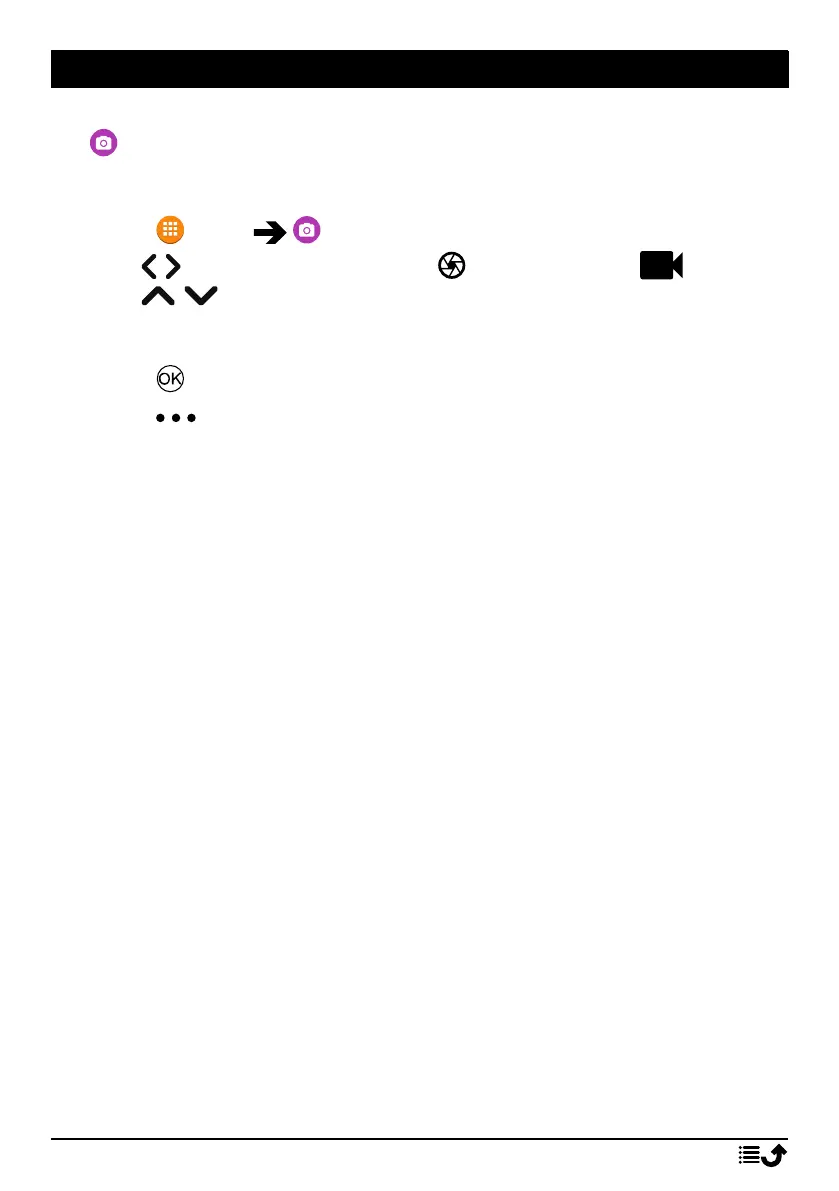
1. Press Menu Camera.
2. Use
/ to switch between Photo and Video Mode .
Use
/ to zoom in and out.
Note! Zoom may reduce picture quality.
3. Press to take photo or start/stop video recording.
4. Press for more options:
Note! Some options are only available in photo mode and some in
video mode.
Go to Gallery
• The gallery displays all your taken photos and recorded videos.
See more at Gallery, p.36.
Switch camera
• To switch between the front and the back camera.
Flash
• Auto to automatically use the flash/lamp depending on the sur-
rounding light.
• Off to force the flash/lamp to off regardless of the surrounding
light.
• On to force the flash/lamp to on regardless of the surrounding
light.
Note! The flash setting made will remain until you change it.
Microphone
• Switch the microphone on or off when recording video.
Picture size/Video quality
• Set the level of quality for the photo/video. The higher, the better
quality.
35



 To Next Page