English
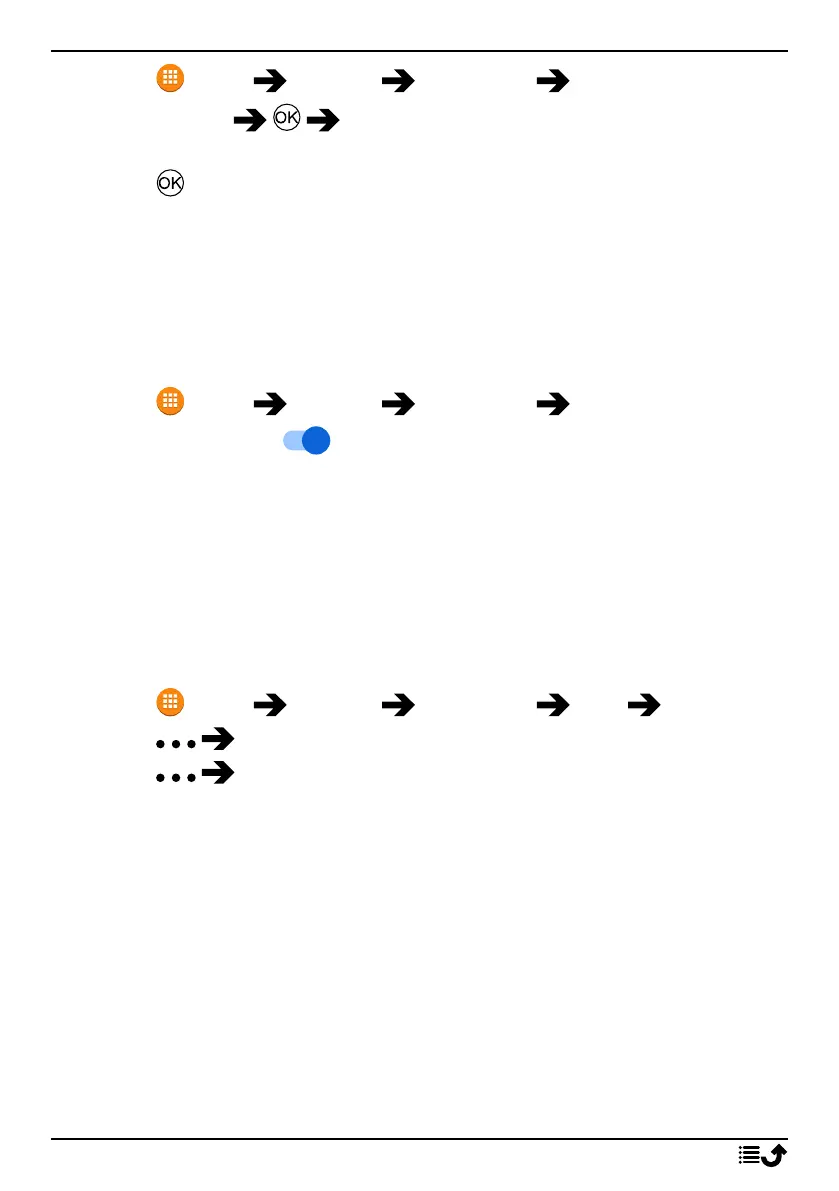
1. Press Menu Settings Assistance Number list.
2. Select Empty Manual to add names/numbers manually.
Alternatively, press Phonebook to add a contact from the phonebook.
3. Press to confirm.
Tip: To edit or remove an existing entry, select it and make the change or
press Delete.
Activate text messages (SMS)
A text message can be sent to the contacts in the numbers list when the
assistance button is pressed.
1. Press Menu Settings Assistance SMS.
2. Set SMS switch to to activate the sending of the assistance
message.
Note! It’s helpful for the recipient of the assistance message if you include
that it’s an assistance alert and that it’s from you.
Always inform recipients in the numbers list that they are listed as your
assistance contacts.
Example: "This is an emergency message from John Smith."
Create assistance message
1. Press Menu Settings Assistance SMS Message.
2. Press Edit and write the message.
3. Press Save to save the message.
Note! There is no predefined message, so it’s best if you write a personal
message. Try to include that the it’s an assistance alert and that it’s from
you.
Position SMS
This function sends a text message with the users position to the recipients
in numbers list when an assistance call occurs. The message contains date,
time, and the positioning information of the Doro 731X user. If no position
can be found the message contains the latest known position. The position-
ing message is sent after the editable assistance message, but before the
assistance call sequence starts.
25



 To Next Page