8
DORO CARE FOR TECHNICAL HELP SEE PAGE 10
ADVANCED ALARM SETTINGS
From new the telephones alarm settings are preprogrammed. These can be altered by
using the four, two position switches on the underside of the telephone.
# Carefully remove the retaining screw and slide the cover out.
# Select between the following settings:
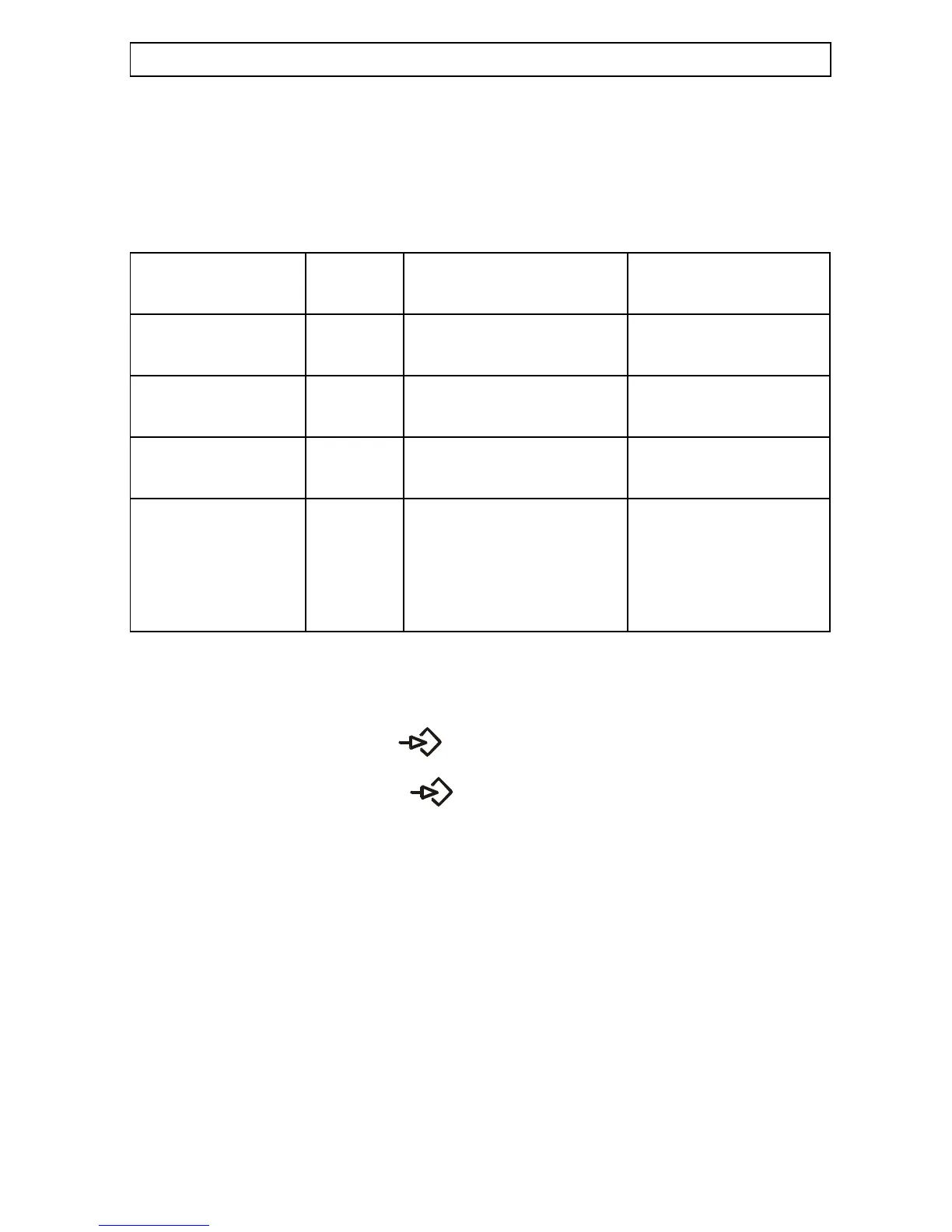
Alarm operation Switch Switch setting From new
No
Repeat dialing 4 OFF - Unlimited OFF - Unlimited
sequence ON - 14 times
Warning tone 3 OFF - off OFF - off
ON- on (10 seconds).
Time before 2 OFF - 180 seconds ON - 60 seconds
redialing ON - 60 seconds
Message or Tone 1 OFF - Tone signals ON - Voice message
(Tone signalling
will only function
if programmed -
see below).
ON - Voice message
# Upon completion replace and secure the cover.
PROGAMMING THE TONE SIGNALS:
# Press the programme button .
# Press the corresponding keypad buttons 0-9 (max 16 digits).
# Press the programming button again.
# Press the * button.
# Set switch 1 to the OFF position, please refer to Advanced alarm settings above.
EXTERNAL CORDED ALARM BUTTON
Connect a 3.5mm mono plug, and a push to make switch ie a door bell switch, to the
socket marked EXT at the rear of the telephone.



 To Next Page