EasyManua.ls Logo

Doro DFB-0250 - User Manual

Doro DFB-0250
62 pages
Print Icon
To Next Page IconTo Next Page
Loading...
English
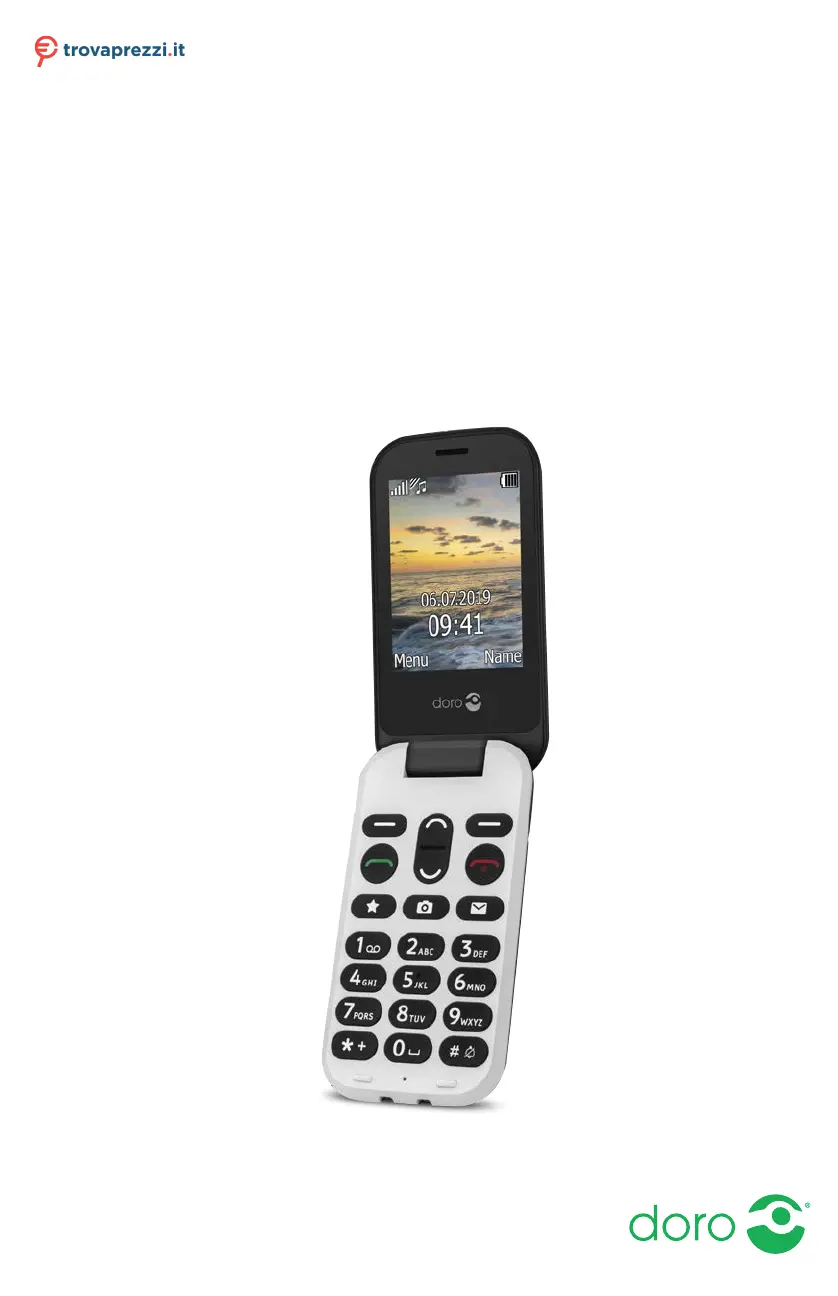
Doro 6060
Questo manuale d’istruzione è fornito da trovaprezzi.it. Scopri tutte le offerte per Doro 6060 o cerca il tuo
prodotto tra le migliori offerte di Cellulari e Smartphone

Table of Contents

Questions and Answers

  • J
    Jennifer MurphySep 23, 2025
    What to do if my Doro DFB-0250 fails to set a function?
    • M
      Mrs. Gina MurphySep 23, 2025
      If your Doro Cell Phone fails to set a function, it may be because the function is not supported or subscribed to from the network. Contact your service provider.
  • S
    Sarah Mcclain DVMAug 23, 2025
    Why can't I add a contact on my Doro DFB-0250?
    • A
      Albert ThompsonAug 25, 2025
      If you're unable to add a contact on your Doro Cell Phone, it's likely that your phonebook memory is full. Delete existing contacts to free up memory.
  • A
    adam39Aug 25, 2025
    How to fix a Doro Cell Phone that cannot be switched on?
    • D
      Diane WilliamsAug 26, 2025
      If your Doro Cell Phone cannot be switched on, it might be due to a low battery charge. Connect the power adapter and charge the battery for 3 hours. Note that full battery capacity is reached after the battery has been charged 3–4 times. Alternatively, the battery might be incorrectly installed, so check its installation.
  • W
    William TravisAug 27, 2025
    What to do if my Doro Cell Phone is not charging?
    • W
      wendy03Aug 27, 2025
      If your Doro Cell Phone is not charging, several factors could be the cause. First, check the battery and charger for any signs of damage. Ensure that the charger is correctly connected to both the phone and the power socket. Also, batteries should only be charged in temperatures between 0 °C and 40 °C, so improve the charging environment if necessary.
  • M
    Megan MontgomeryAug 27, 2025
    What to do if I get a 'SIM card error' on my Doro DFB-0250?
    • N
      Natalie McdonaldAug 27, 2025
      If you're getting a 'SIM card error' on your Doro Cell Phone, there are a few things you can check. First, examine the SIM card for any visible damage; if damaged, contact your service provider. Next, ensure the SIM card is correctly installed by removing it and reinstalling it. Finally, wipe the contact surfaces of the SIM card with a clean cloth to remove any dirt or dampness.
  • J
    jacob09Sep 15, 2025
    What to do if my Doro Cell Phone is not accepting the PIN code?
    • L
      Lisa JenkinsSep 15, 2025
      If your Doro Cell Phone is not accepting the PIN code, it means that the wrong PIN code has been entered too many times. Enter the PUK code to change the PIN code, or contact your service provider.
  • R
    Ryan WeaverSep 12, 2025
    Why is the signal weak on my Doro DFB-0250 Cell Phone?
    • M
      Ms. Jacqueline FrederickSep 13, 2025
      If you are experiencing a weak signal on your Doro Cell Phone, it could be because you are too far from the base station. Try again from another location. Alternatively, there might be network congestion, so try calling at a later time.
  • L
    Lee PatelSep 14, 2025
    What to do if I cannot place or receive calls on my Doro Cell Phone?
    • A
      Alexandra PriceSep 14, 2025
      If you are unable to place or receive calls on your Doro Cell Phone, call barring might be activated. Deactivate call barring. If the problem persists, contact your service provider.
  • C
    Christie SmithSep 5, 2025
    Why is my Doro DFB-0250 failing to send or download MMS?
    • J
      Jennifer WilliamsSep 5, 2025
      If your Doro Cell Phone fails to send or download MMS, it could be because the phone memory is full. Delete received MMS or select to set the default storage for MMS to be saved on a memory card (not included). Alternatively, the incorrect MMS profile might be selected. For some service providers, the MMS profile has to be selected manually.
  • A
    Adam BakerSep 2, 2025
    How to fix failure to add a contact on Doro DFB-0250 Cell Phone?
    • A
      awilsonSep 3, 2025
      If you are unable to add a contact to your Doro Cell Phone, the phonebook memory might be full. Delete contacts to free up memory.

Doro DFB-0250 Specifications

General IconGeneral
BluetoothYes
SIMMini-SIM
Display2.4" TFT, 240 x 320 pixels
Expandable MemorymicroSD
CameraVGA
NetworkGSM 900 / 1800
USBMicro-USB
ColorsBlack

Related product manuals