English
4.Replacethebatterycover.
Charging
CAUTION
Onlyusebatteries,chargerandaccessoriesthathavebeenapprovedfor
usewiththisparticularmodel.Connectingotheraccessoriesmaybe
dangerousandmayinvalidatethephonestypeapprovalandguarantee.
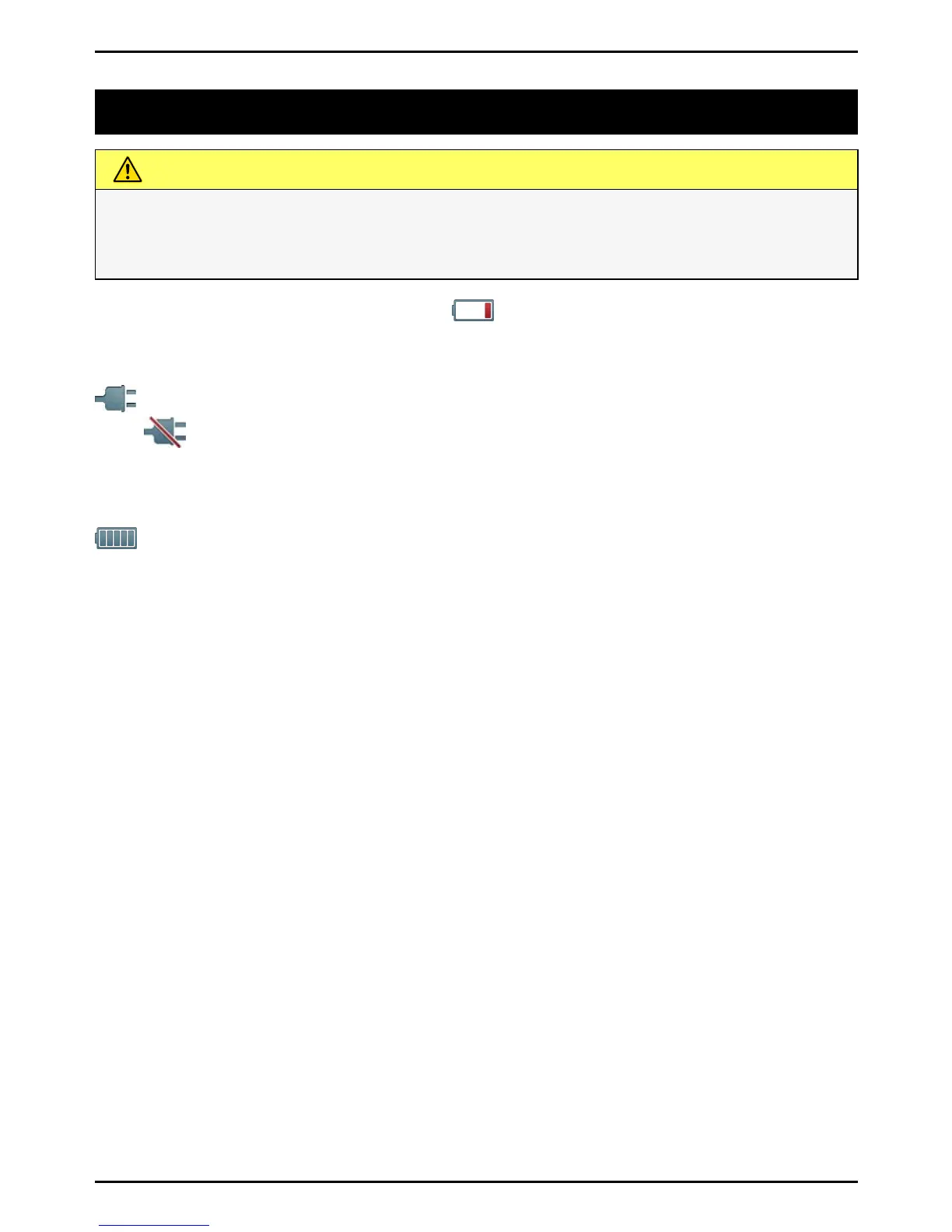
Whenthebatteryisrunninglow, isdisplayedandawarningsignal
isheard.Tochargethebattery,connectthemainsadaptertoawall
socketandtothechargingsockety.
isdisplayedbrieywhenthechargerisconnectedtothephone,
and
whenitisdisconnected.Thebatterychargeindicatorwill
beanimatedwhilecharging.Ittakesapproximately3hourstofully
chargethebattery.
isdisplayedonthescreenwhenchargingiscompleted.Ifthe
phoneisturnedoffwhenthechargerisconnectedtothephoneonly
thebatterychargeindicatorwillbeshownonthedisplay.
Note!
TosavepowertheLCDbacklightgoesoffafterawhile.Pressanybutton
toilluminatethedisplay.Fullbatterycapacitywillnotbereacheduntil
thebatteryhasbeencharged3–4times.Batteriesdegradeovertime,
whichmeansthatcalltimeandstandbytimewillnormallydecrease
withregularuse.
Saveenergy
Whenyouhavefullychargedthebatteryanddisconnectedthecharger
fromthedevice,unplugthechargerfromthewalloutlet.
2















 To Next Page