

 To Next Page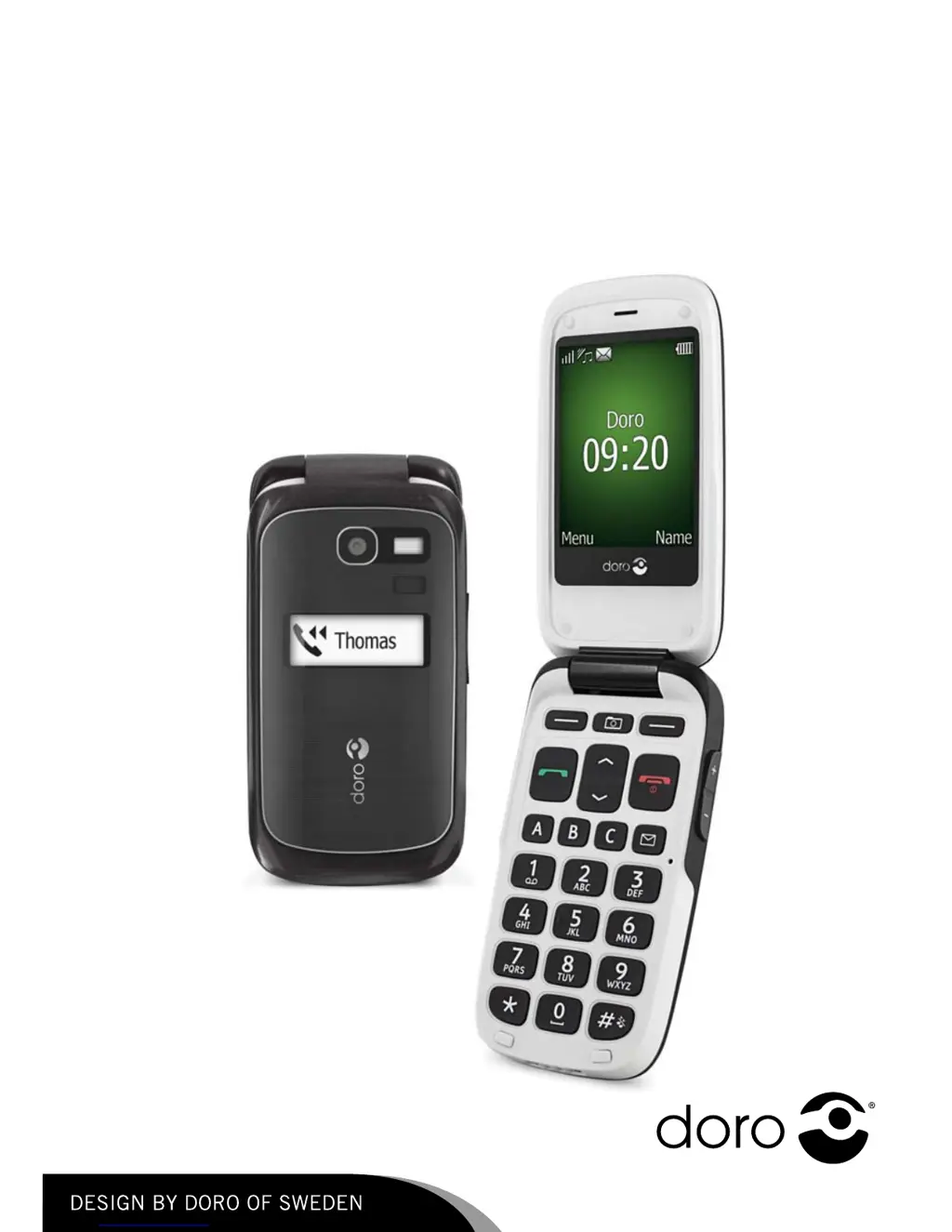

N
nlawrenceSep 13, 2025
What to do if my Doro Cell Phone fails to set a function?
- RRobin RiceSep 13, 2025
If your Doro Cell Phone fails to set a function, contact your service provider.

What to do if my Doro Cell Phone fails to set a function?
If your Doro Cell Phone fails to set a function, contact your service provider.
Instructions for inserting SIM and memory cards, and the battery into the phone.
Symbols indicating information about assistive functions in the manual.
Explains the meaning of the LED light on the phone.
Steps to turn the phone on and off, and handle PIN/PUK codes.
Guide to initial phone setup and basic settings.
Instructions for dialling phone numbers directly.
How to make calls using saved contacts in the phonebook.
How to answer incoming calls on the phone.
Methods for typing text, including character selection and cursor movement.
Using the Smart ABC input method for faster text entry.
Menu options available during a call, like hold, end, and new call.
Making emergency calls using the SOS function.
How to use the dedicated emergency key for quick help.
Step-by-step guide to adding new contacts to the phonebook.
Adding emergency contact and medical information for first responders.
Options for viewing, editing, deleting, and copying phonebook contacts.
How to compose and send text messages (SMS).
Composing and sending multimedia messages (MMS).
Transferring files between the phone and a computer using drag-and-drop.
Accessing general phone settings.
Configuring mobile network connections.
Accessing and managing voice messages left by callers.
Overview of speed dial functionality.
Configuring call-related settings like Caller ID.
Managing call waiting features for incoming calls.
Protecting the SIM card with a PIN code.
Locking the phone to prevent unauthorized use.
Allowing trusted contacts to send information to the phone remotely.
Connecting and managing Bluetooth devices.
Setting and managing alarms for specific times.
Adding contacts for remote control commands via SMS.
Solutions for when the phone does not power on.
Troubleshooting steps for battery charging issues.
Diagnosing and fixing issues with making or receiving calls.
Resolving issues related to SIM card damage or incorrect installation.
Troubleshooting network connection problems.
Important considerations for making emergency calls.
 General
| Brand | Doro |
|---|---|
| Model | PHONEEASY 615 |
| Category | Cell Phone |
| Language | English |










