English
3. Lift the handset, press 0 or press
to dial the displayed number.
Speed dial
1. Press one of the speed dialling buttons
A
-
G
. The stored phone
number is displayed.
2. Lift the handset, press 0 or press
to dial.
See Speed dial, p.11.
Dialling from the Phonebook
1. Press b to open the Phonebook.
2. Use v/V to browse through the Phonebook, or enter the first char-
acter in the name to quick search (see Keypad characters, p.8).
3. Lift the handset or press
to dial.
Alternatively, press 0, and the displayed number is dialled auto-
matically, in speakerphone mode.
Answering a call
Lift the handset to answer an incoming call, or press
.
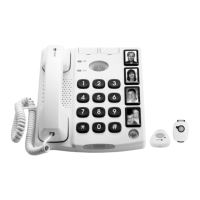
You can also answer in speakerphone mode by pressing the button on
the cordless pendant.
Call timer
The display shows the current time when in standby mode. During a call
the display will show a call timer instead, indicating the duration of the
call. The call duration is displayed for 5 seconds after the call has been
terminated.
Volume control
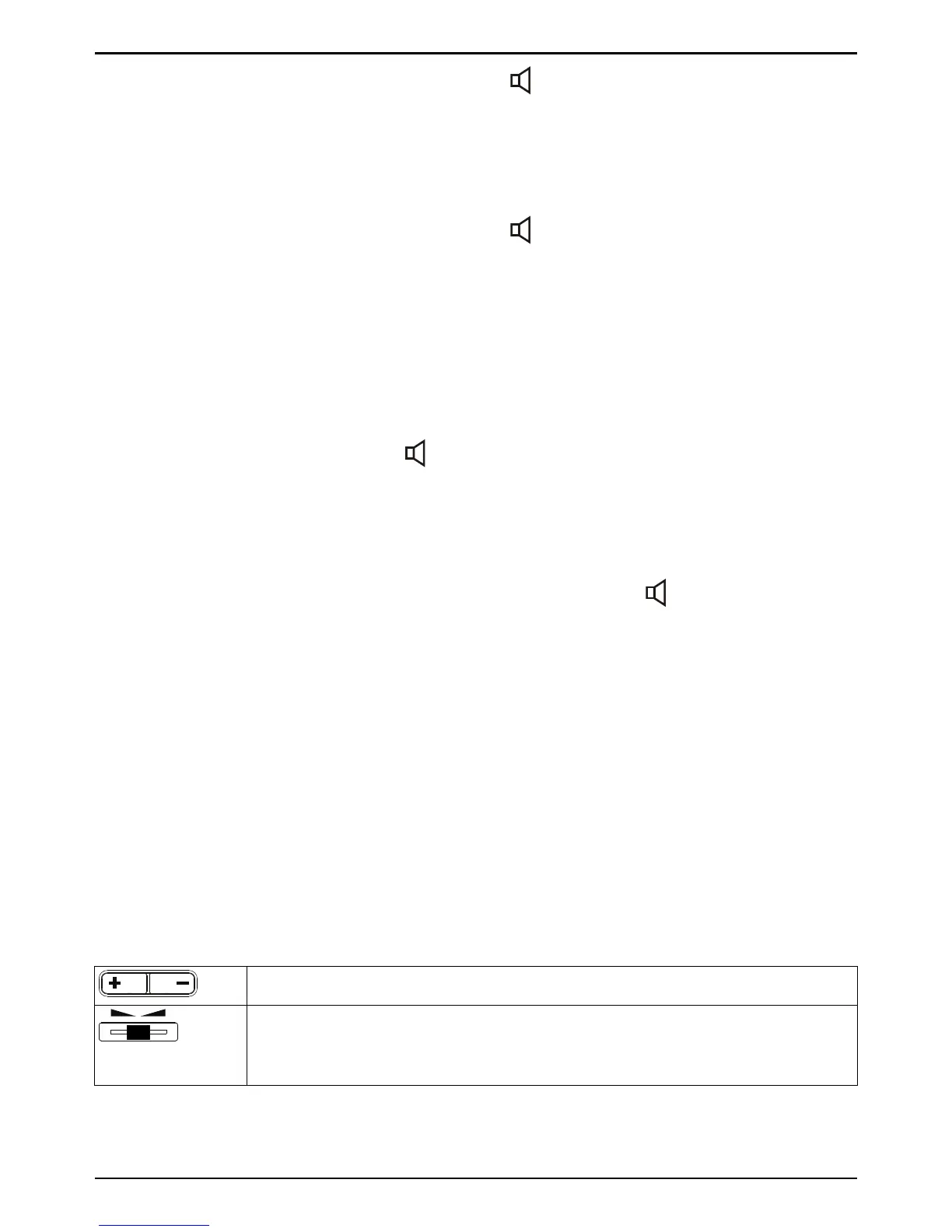
This product can adjust the sound, using the controls, in a number of
ways:
Normal volume control for the handset.
Change frequency range/tone level and quality.
PLEASE NOTE! Only works when the powerful amplification
is active.



 To Next Page