English
7. Enter a name for the contact (see Keypad characters, p.8).
8. Press 0 to confirm.
Note! Editing a contact will delete the current name recording.
Deleting from the Phonebook
1. Press b.
2. Use v/V to select desired contact.
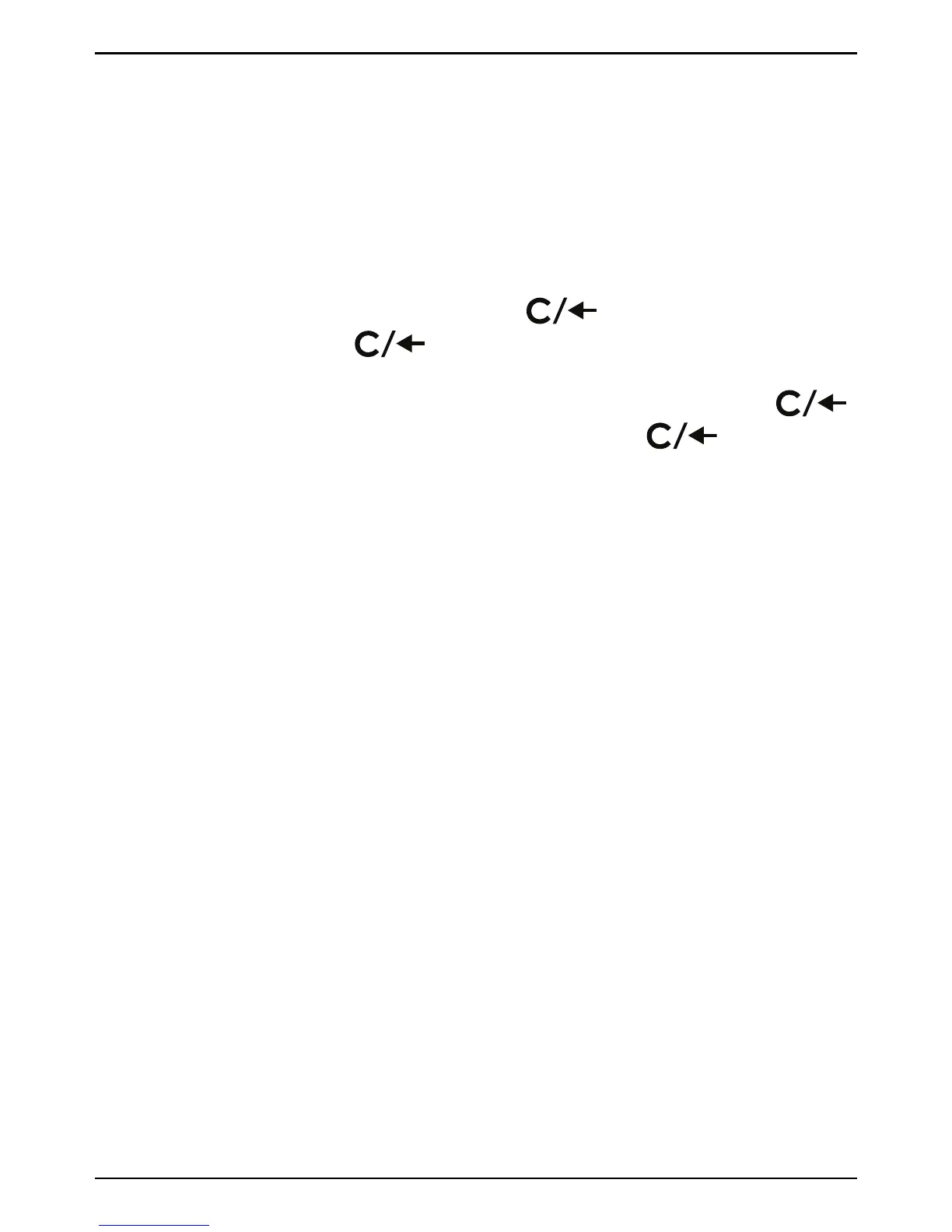
• To delete single contacts, press
. DELETE ? is displayed.
Press and hold
for two seconds. Contact is deleted and
next contact in the Phonebook is shown.
• To delete all contacts in the Phonebook, press and hold
until DEL ALL? is displayed. Press and hold for 2
seconds.
Speed dial
The phone has 7 speed dialling buttons (
A
–
G
) that can be used for
numbers that are dialled frequently.
Storing speed dial numbers
1. Enter a phone number (up to 22 digits) using the keypad.
2. Press and hold one of the speed dialling buttons
A
–
G
until
SAVED is displayed.
3. Repeat steps 1–2 for the remaining speed dialling buttons.
Deleting speed dial numbers
Speed dial numbers can not be deleted, they can only be replaced by
storing a new number.
Caller ID and call log
Caller ID allows you to see who is calling before you answer and to see
who has called in your absence. If the number is stored in the Phone-
book, the name is also shown.
Note! The Caller ID function must be subscribed. Please contact your
network operator for more information.
11



 To Next Page