English
Example of an alarm message:
"This is an emergency call from John Smith on 10, Long Street, Middleton.
I require immediate assistance. Press zero to connect this call." See AL.
MESSAGE, p.4 how to record your own message.
Activate the alarm
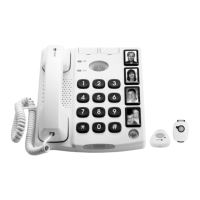
1. When the alarm button on the cordless pendant (or the alarm button
on the phone) is pressed for more than one second, the button
on the phone blinks continuously. The phone beeps loudly for 15
seconds. During this time you can stop the procedure by pressing
any of the alarm buttons for more than three seconds.
Otherwise the alarm sequence will start:
2. The phone dials the first alarm number. Each alarm contact will be
called in succession, and the recipient will hear your recorded alarm
message. The most important number should have the first alarm
position (AL.POS?). Three call attempts are made on each alarm
number if nobody answers.
3. If the called party answers and accepts the call within 60 seconds
by pressing
0
(zero), the call is connected (in speakerphone mode),
and the alarm sequence stops.
If the call is not answered and accepted within 60 seconds, the next
number is dialled.
4. The phone is kept in speakerphone mode, unless the user presses
the speakerphone button or the cordless alarm button.



 To Next Page