2.1 Charging
The DORO SECURE 480 has an internal battery that provides power to the device. It must be charged
regularly in order for the DORO SECURE 480 to work properly.
Connect the charger with the provided USB cable to the home beacon.
Connect the charger to a power outlet. The blue LED on the right will be lit for couple of seconds
when home beacon is first powered to indicate that the home beacon is working normally. The
blue LED will turn off automatically in order not to disturb the wearer during sleep if the home
beacon is placed on a night stand.
Place the home beacon onto a steady flat surface such as a table. Please keep the home beacon
dry and where possible away from direct sunlight and excess heat sources.
Do not touch the charging contacts in the charging dock as excess force may deform them.
Prior to using the DORO SECURE 480 device for the first time it must be charged. The initial charging time
is approximately one and half hours if the battery is completely empty.
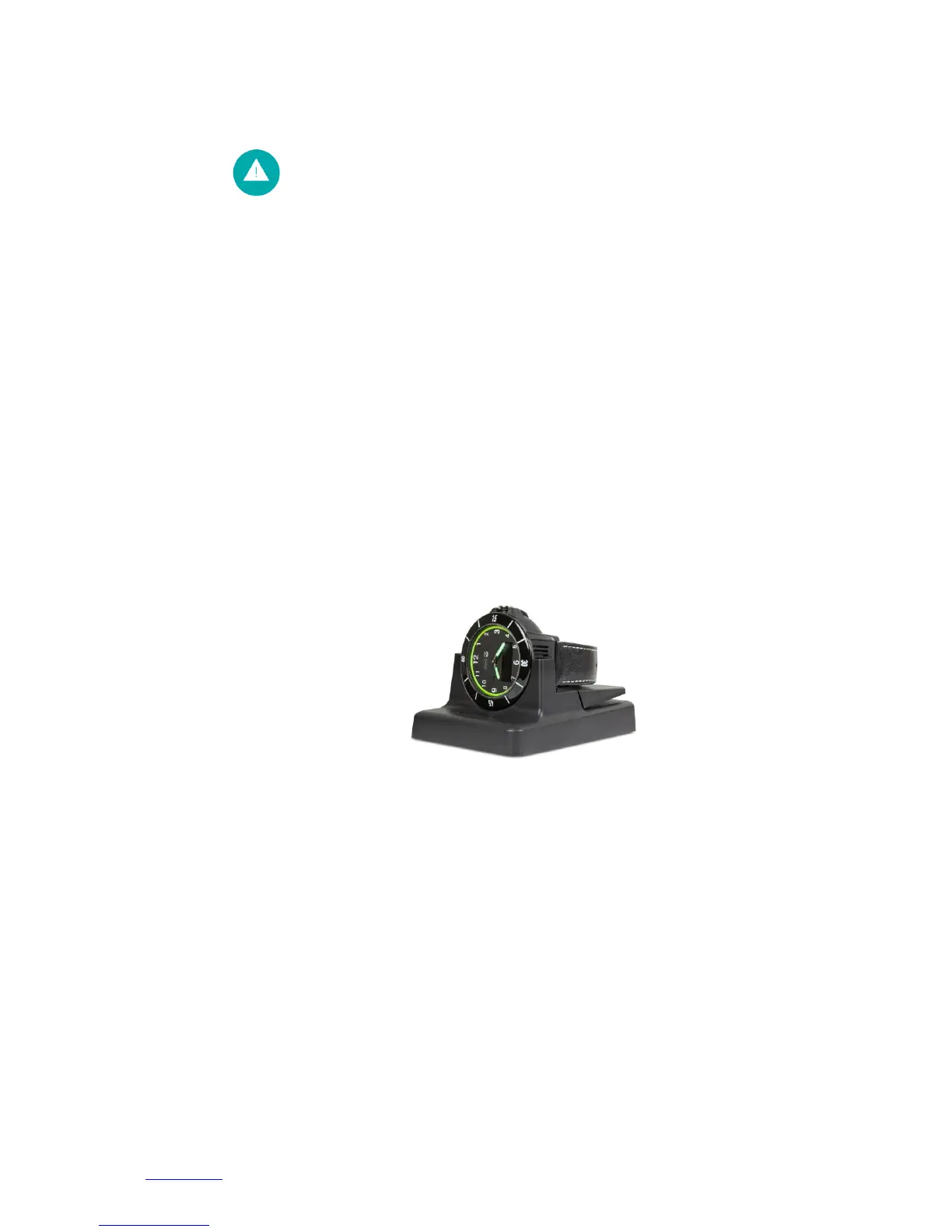
Please place the DORO SECURE 480 into the home beacon charging dock as shown in the picture
above. The DORO SECURE 480 will beep when it has been properly seated in the dock. The left
home beacon LED will be lit.
When the DORO SECURE 480 is placed into the charging dock for the first time the DORO SECURE
480 display will show SETUP. During charging the DORO SECURE 480 YELLOW LED at 12 o’clock is
lit and the battery icon will show an animated charging sequence. The left LED of the home beacon
is RED when charging is taking place.
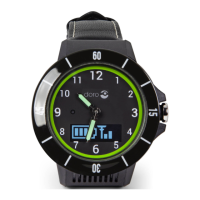
When the battery is fully charged in the battery icon all four battery level bars are lit and the DORO
SECURE 480 GREEN LED at 3 o’clock is lit. The left LED of the home beacon will turn GREEN when
the DORO SECURE 480 battery is fully charged. Please note that the left LED of the home beacon
may remain RED for a period of time after DORO SECURE 480 display shows BATT FULL.
When the DORO SECURE 480 has been setup in the Web service the SETUP display will change
either to CHARGING or to BATT FULL. Please note that the DORO SECURE 480 will calibrate the
watch hands when leaving from the SETUP state. Please refer to section 2.2 for instructions on how
the set the DORO SECURE 480 up in the Web service by using the user name and password provided
in the label inside the DORO SECURE 480 delivery box lid.


 To Next Page