Mach M3
Dr. Mach
Lamps and Engineering
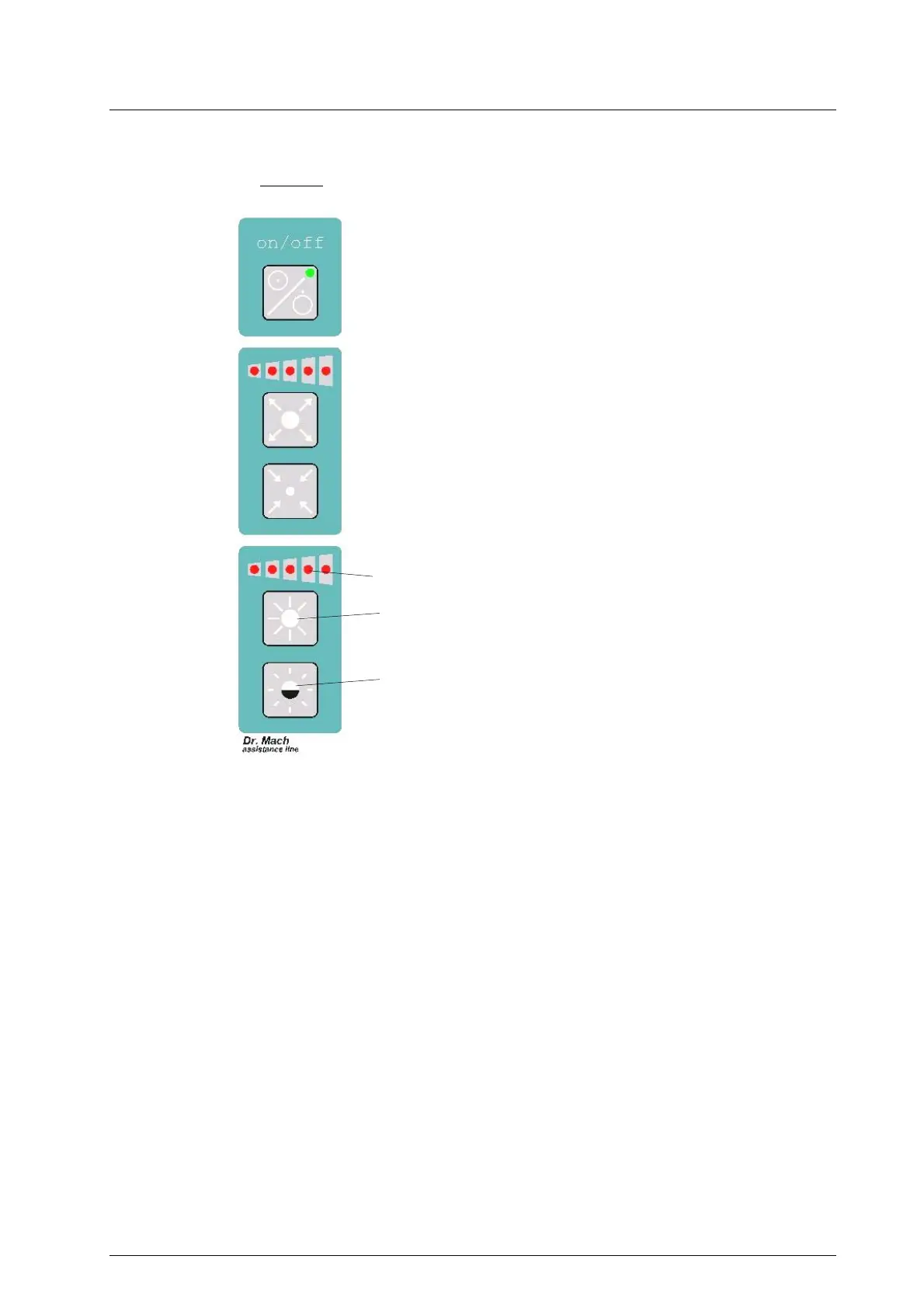
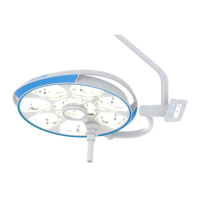
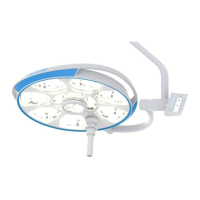
Key pad
2.5 Adjusting the light intensity
(for F/H and DF/H models only)
Select the desired light intensity before the
operation.
At these models the adjustment is done by the
keypad at the cardan bow. The intensity can be
infinitely adjusted between 50% and 100%.
Press push button 2 to increase the light intensity
and press push button 3 to reduce the light intensity.
The light intensity set is shown by LED-display 1.
For other light models we recommend a dimmer in
the supply line.
1
2
3
59200001 Edition 06 28.11.2002 / Bak page 8/22



 To Next Page