62
Menu Functions
Menu Functions
Activation
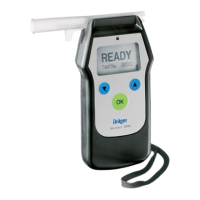
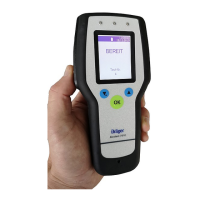
Switch on the device. After the message » WAIT « or » READY « appears, the menu functions
can be selected.
● For the " Quick Menu ": briefly press the key.
– The " Main Menu "
is only accessible to authorised persons with PIN entry, see Technical
Handbook Dräger Alcotest 7510.
Operation
– Select functions with the key and the key:
– The selected function is displayed inverted.
–
Activation of the selected function with the
key.
– Selecting " Back to measurement" brings the device back into the measurement
mode by pressing the key.
If no key is pressed within 120 seconds, the device automatically returns to the measurement
mode.
Symbols in the display
Graphical symbols (icons) simplify the navigation through the various menus:
Return to next menu level
Menu item with submenu
Open menu item
Selected function
Other entries below visible entries
Other entries above visible entries
Function
Activated function or setting.
Current display (1) of the total display number (6)
M
M
OK
OK


 To Next Page
 Loading...