,QVWUXFWLRQVIRUXVH_ 5(*$5'
REGARD 7000 configuration software
10 REGARD 7000 configuration software
10.1 Introduction
10.1.1 Contents of these help pages
These help pages describe the use of the REGARD 7000 configuration software.
The information is intended for persons responsible for operating the REGARD
7000 control unit.
10.1.2 Setting up an account
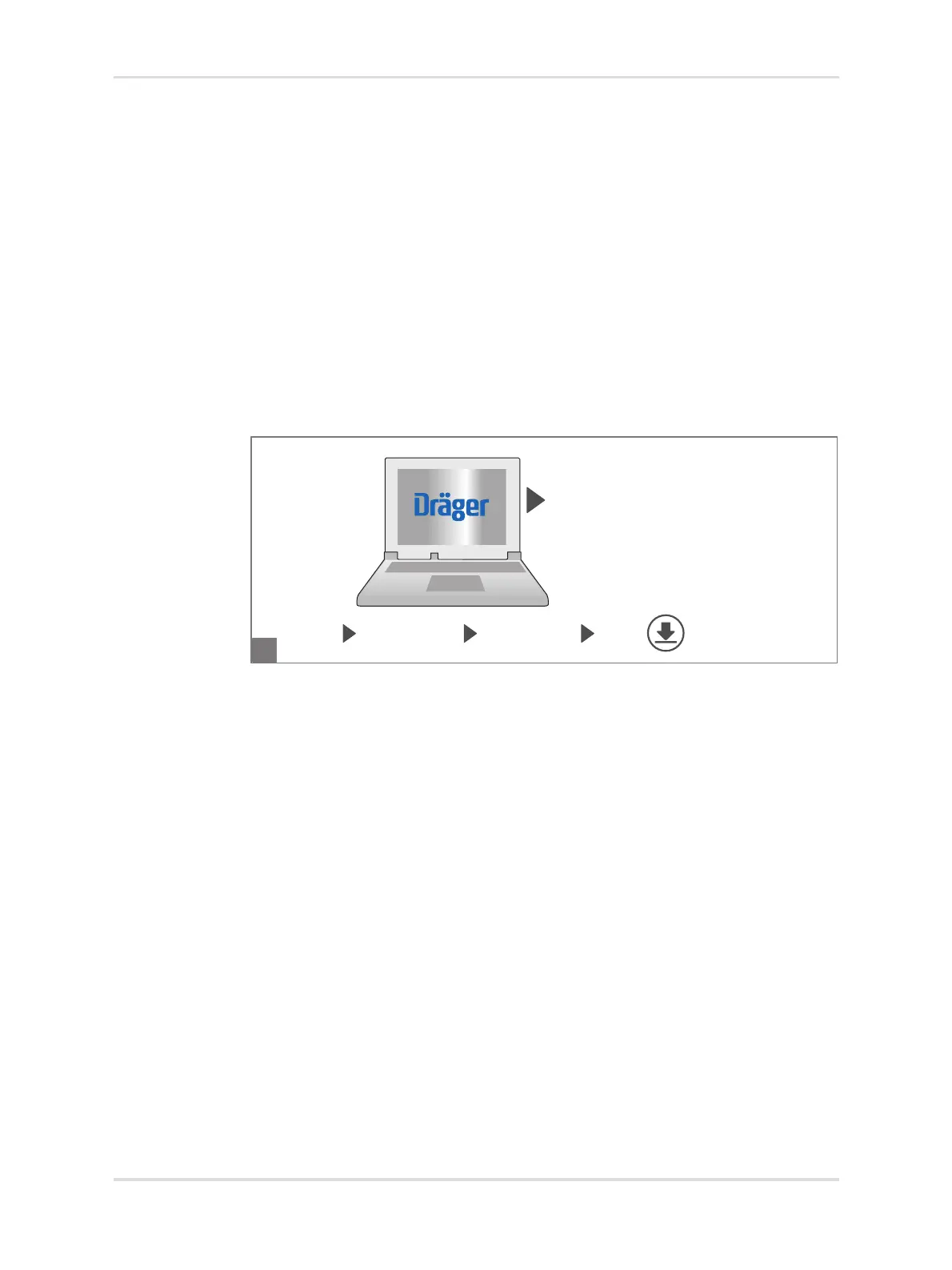
The REGARD 7000 configuration software can be downloaded free of charge via
the ServiceConnect® web portal (www.serviceconnect.draeger.com). The
configuration software can be installed on any number of PCs. The REGARD 7000
PC software key (order no. 83 27 253) is required to use the configuration software.
To set up a personal account, please send an email with the following details:
REGARD7000.admin@draeger.com
– Last name and first name
– Requested username
(Criteria for the username: 6 - 18 characters, no special characters)
Dräger will send you your personal access data straight away.
10.2 Operating concept for the software
10.2.1 Program interface
The program interface for the configuration software comprises various areas.
37761
ServiceConnect
®
www.serviceconnect.draeger.com
software product software REGARD 7000 OPEN
configuration software
A



 To Next Page