EasyManua.ls Logo

Dragonfly 4 pro - Page 45

Default Icon
88 pages
Print Icon
To Next Page IconTo Next Page
To Previous Page IconTo Previous Page
Loading...
Dragonfly Manual Version 3© Page 45
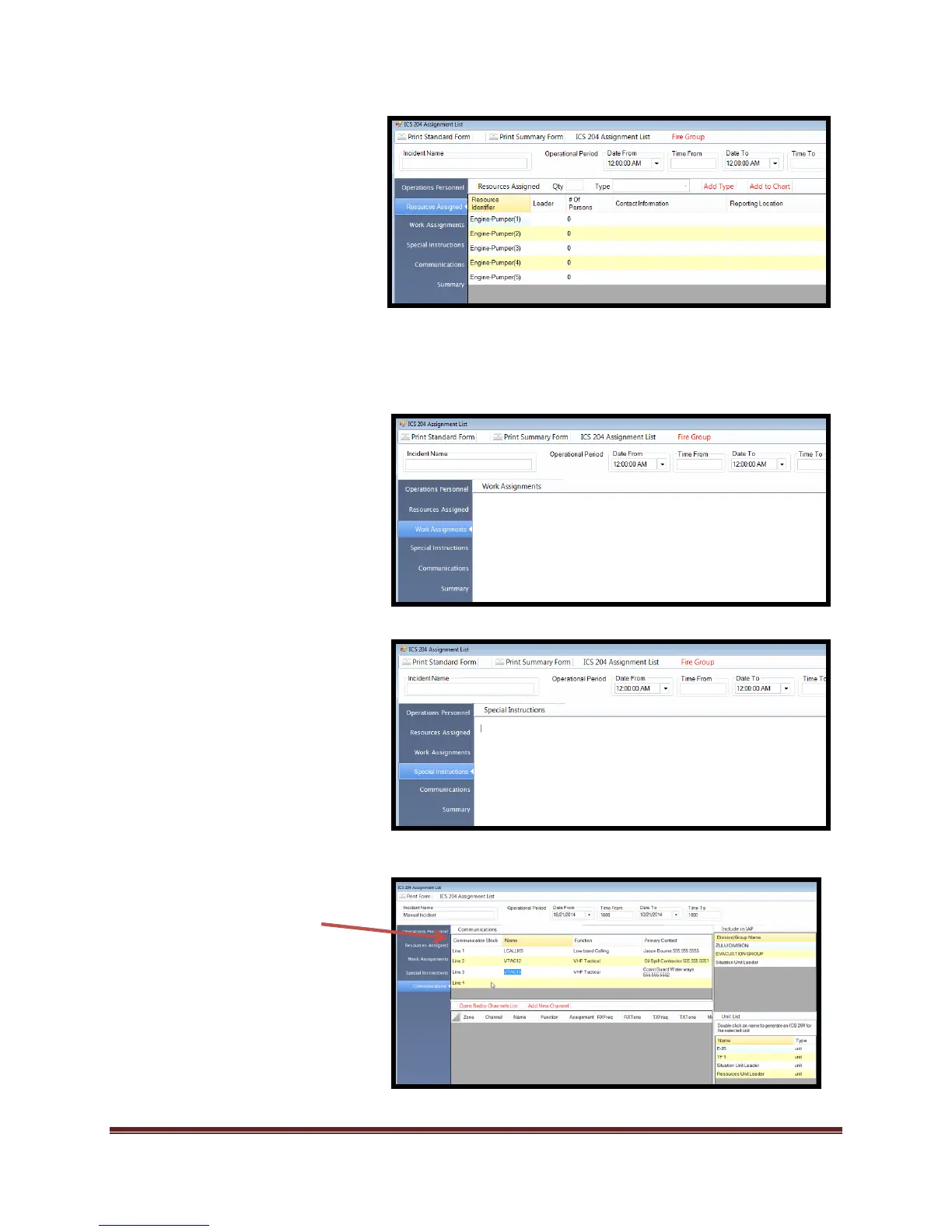
5. Select “Resources Assigned
Resources will appear once
they have been added using
the “Resource tab” tool in the
Org Chart, through the ICS215
form tool, or by using the
resources built into the form.
*Resource totals take into
account the Supervisor and
resources of each position
below the Division/Group(s)
Supervisors.

6. Select “Work Assignments
and add desired information.
7. Select “Special Instructions” and
add desired information.
8. Select “Communications” and add
desired information.
Frequencies can be added
to the ICS 204 through
manual addition to the
Communications Block