Vigor130 Series User’s Guide
75
Window size – It determines the size of TCP protocol
(0~65535). The more the value is, the better the
performance will be. However, if the network is not stable,
small value will be proper.
Session timeout–Setting timeout for sessions can make the
best utilization of network resources. However, Queue
timeout is configured for TCP protocol only; session
timeout is configured for the data flow which matched with
the firewall rule.
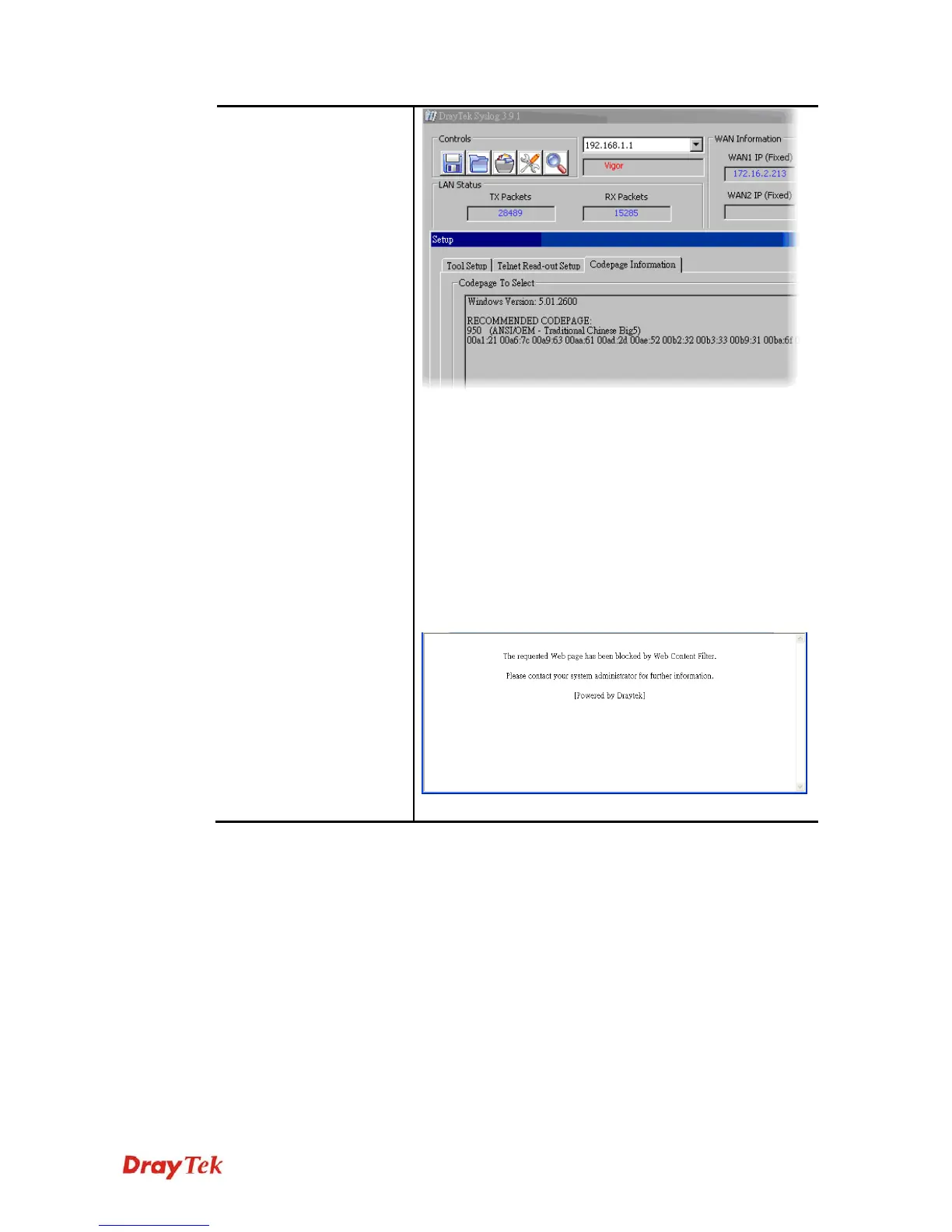
DrayTek Banner – Please uncheck this box and the
following screen will not be shown for the unreachable web
page. The default setting is Enabled.



 To Next Page