7
C
C
o
o
n
n
n
n
e
e
c
c
t
t
e
e
d
d
A
A
s
s
a
a
M
M
e
e
s
s
h
h
N
N
o
o
d
d
e
e
(
(
i
i
n
n
M
M
e
e
s
s
h
h
N
N
e
e
t
t
w
w
o
o
r
r
k
k
)
)
Install VigorAP on the place you want.
As a mesh node, settings related to VigorAP 906 must be configured by
a remote Mesh Root (e.g., VigorAP 906) within the mesh network. The
user must detect VigorAP 906 via a Mesh Root to add it as a mesh node.
C
C
o
o
n
n
n
n
e
e
c
c
t
t
e
e
d
d
A
A
s
s
a
a
n
n
A
A
c
c
c
c
e
e
s
s
s
s
P
P
o
o
i
i
n
n
t
t
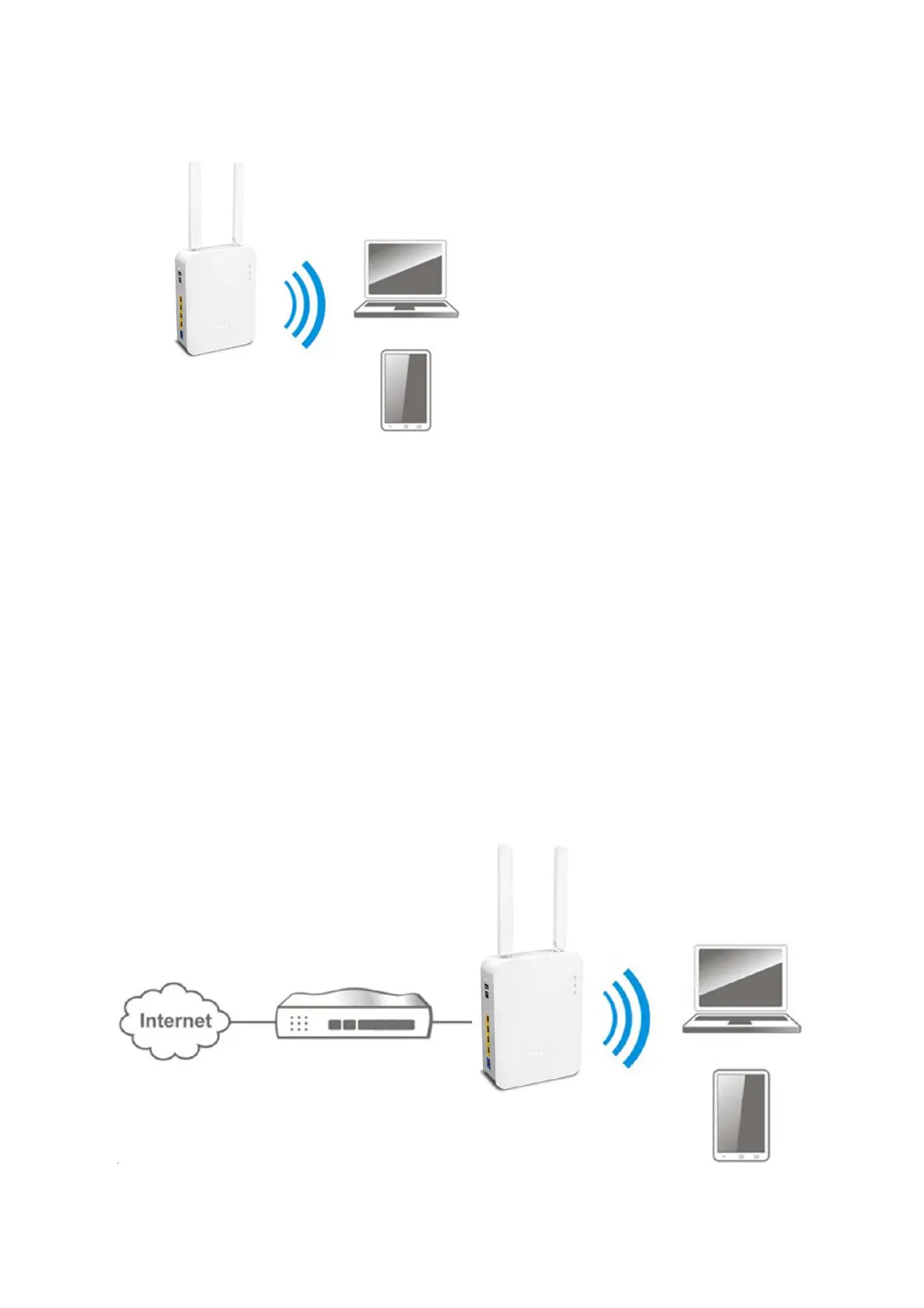
As an access point, VigorAP 906 must be connected to a router and configured
the operation mode.
Connect VigorAP to a Vigor router.
Use a twisted-pair cable with RJ-45 plugs at both ends, and plug into
Ethernet device (e.g., Vigor router) and Ethernet port of VigorAP.



 To Next Page
 Loading...









