13
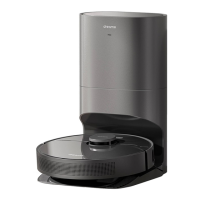
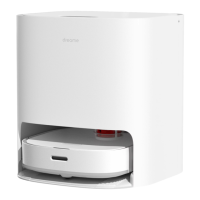
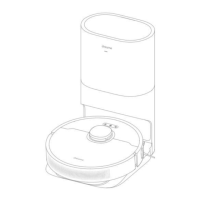
About the Auto-Empty Base
It is recommended that the robot set out from the base before cleaning. This ensures that
the robot returns to base smoothly. Do not move the base while the robot is cleaning.
After the robot completes the cleaning task and automatically returns to the base, the
base will start auto empty. More settings can be operated on the APP.
Connecting with Mi Home/Xiaomi Home App
This product works with the Mi Home/Xiaomi app.* Use the Mi Home/Xiaomi Home app to
control your device and interact with other smart devices.
Download the Mi Home/Xiaomi Home App
Scan the QR code to download and install the app. You will be directed to the connection
setup page if the app has been installed already. Alternatively, search “Mi Home/Xiaomi
Home” in the app store to download and install it.
Add Device
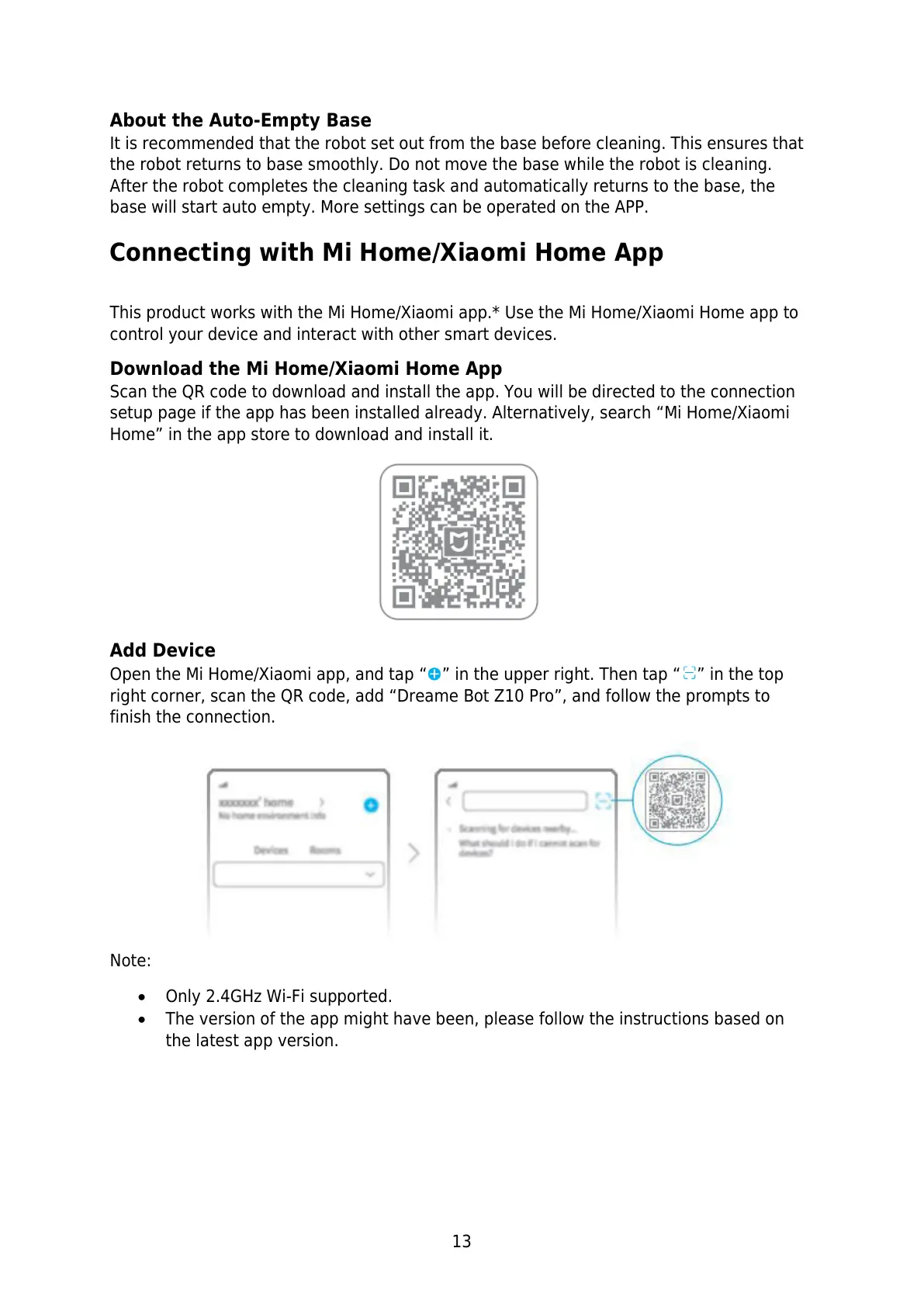
Open the Mi Home/Xiaomi app, and tap “ ” in the upper right. Then tap “ ” in the top
right corner, scan the QR code, add “Dreame Bot Z10 Pro”, and follow the prompts to
finish the connection.
Note:
Only 2.4GHz Wi-Fi supported.
The version of the app might have been, please follow the instructions based on
the latest app version.


 To Next Page
 Loading...