5
• Do not use a wet cloth to wipe or any liquid to rinse the robot and auto-empty
base. Washable parts must be dried completely before installing and using them.
• Make sure the robot is turned off when being transported and kept in its original
packaging if possible.
• Please use this product in accordance with the instructions in the User Manual.
Users are responsible for any loss or damage that arise from improper use of this
product.
Batteries and Charging
• Do not use any third-party battery or auto-empty base. Use only with RCS2
supply unit.
• Do not attempt to disassemble, repair, or modify the battery or auto-empty base
on your own.
• Do not place the auto-empty base near a heat source.
• Do not use a wet cloth or wet hands to wipe or clean the base’s charging
contacts.
• Do not improperly dispose of old batteries. Unneeded batteries should be
discarded at an appropriate recycling facility.
• If the robot will not be used for an extended period, fully charge it, then turn it off
avoid over-discharging the battery.
• This product contain batteries that can only be replaced by qualified technicians
or after-sales service.
Laser Safety Information
• The laser sensor in this product meets the IEC 60825-1: 2014 Standard for Class 1
laser products. Please avoid direct eye contact with it during use.
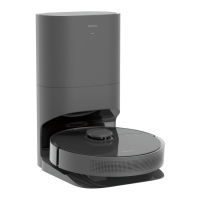
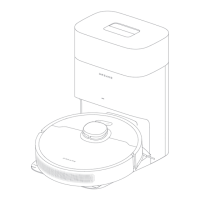
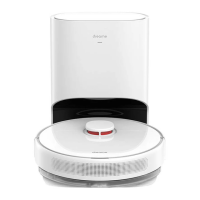
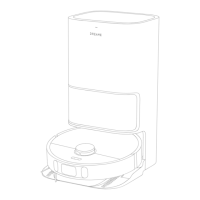
Product Overview
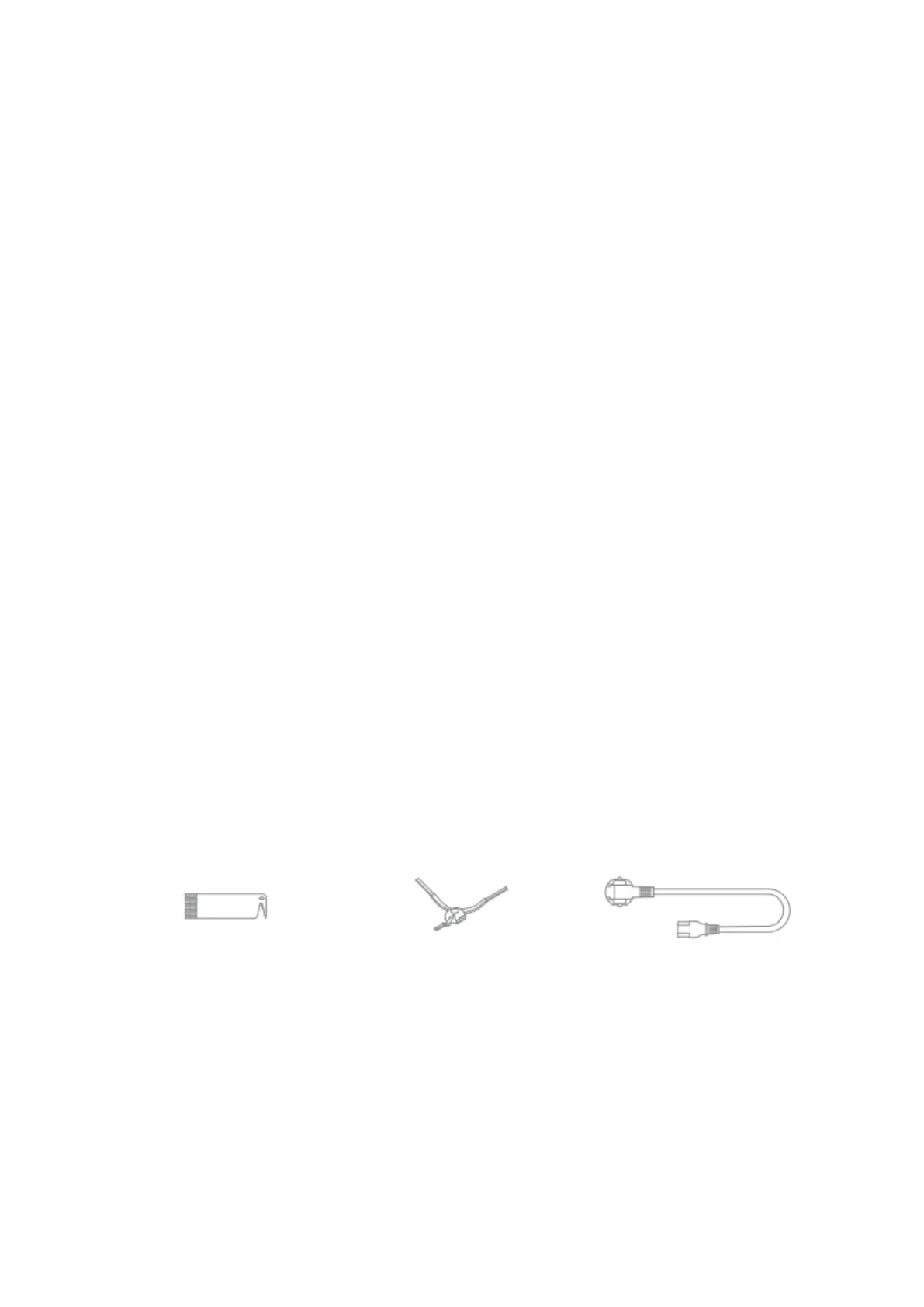
Accessories





 To Next Page