EasyManua.ls Logo

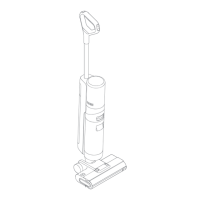
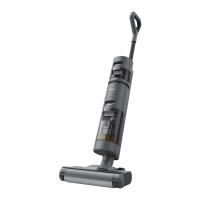
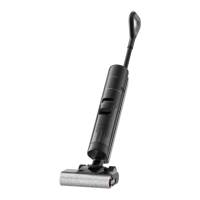
Dreame H12S - Product Overview - Components; Packing List; Vacuum Components Diagram

Dreame H12S
28 pages
Print Icon
To Next Page IconTo Next Page
To Previous Page IconTo Previous Page
Loading...
3 43 4
EN EN
Spare Brush
Roller
Main BodyCharging Base
Replacement
Filter
Cleaning Brush
Handle
Product Overview
Packing List
Storage Box
Product Overview
Wet and Dry Vacuum
Used Water Tank
Used Water Tank Handle
Brush Roller Cover
Release Buttons
Self-Cleaning Button
Power Switch
Display Screen
Brush Roller
Brush Roller Handle
Brush Roller Cover
Used Water Tank
Release Button
Brush Roller Release
Button
Clean Water Tank
Release Button
Clean Water Tank
Clean Water Tank
Handle
Mode Switch
1.
2.
3.
4.
5.
6.
7.
8.
9.
10.
11.
12.
13.
14.
15.
16.
Voice Prompt Button
Press brie󶀅y to activate
the voice prompt or
adjust the volume.
Press and hold for
3 seconds to set the
language.Press
to switch between
languages. Press
andhold to con󶀄rm
the selection.
12
10
11
1
2
3
4
5
6
7
8
9
16
15
14
13

Related product manuals