5 65 6
EN EN
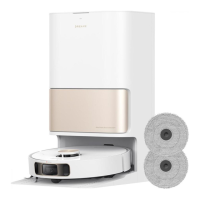
Charging Base
3. Air-Drying Inlet
4. Power Cord
2. Air-Drying Outlet
1. Charging Contacts
3
1
2
4
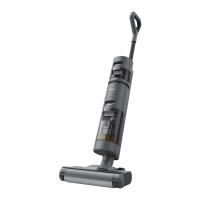
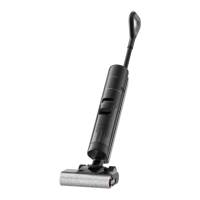
Product Overview
Note: If the appliance is not working properly, the screen display will show an error message. Please
refer to the troubleshooting table to nd your solution.
Display Screen
2
1
Installation
Installing the Storage Box
Install the storage box onto the charging base.
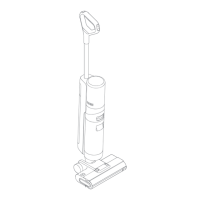
Installing the Handle
Insert the end of the handle vertically into the port on the top of the vacuum as
indicated until you hear a click.
Note: To disassemble, press the contacts in the hole on the back of the appliance with the
appropriate tool and pull the handle upwards at the same time.
Click
Drying Mode
Turbo Mode
Dust Concentration Indicator
6.
7.
8.
5.
Low Battery Indicator
• Solid Orange: Battery level ≤ 20%
• Solid Green: Battery level > 20%
The color of the curve changes with the
amount of dust in real time.
1.
2.
3.
• Breathing Orange : Battery level ≤ 20%
• Breathing Green: Battery level > 20%
Charging Indicator
Auto Mode
Suction Mode
Error Messages
4.
Insucient water in the
Clean Water Tank
Used Water Tank full
Blocked tube
Brush roller stuck
4
6
5
1
7
3
2
8


 To Next Page
 Loading...