7
EN
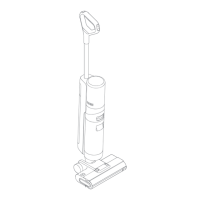
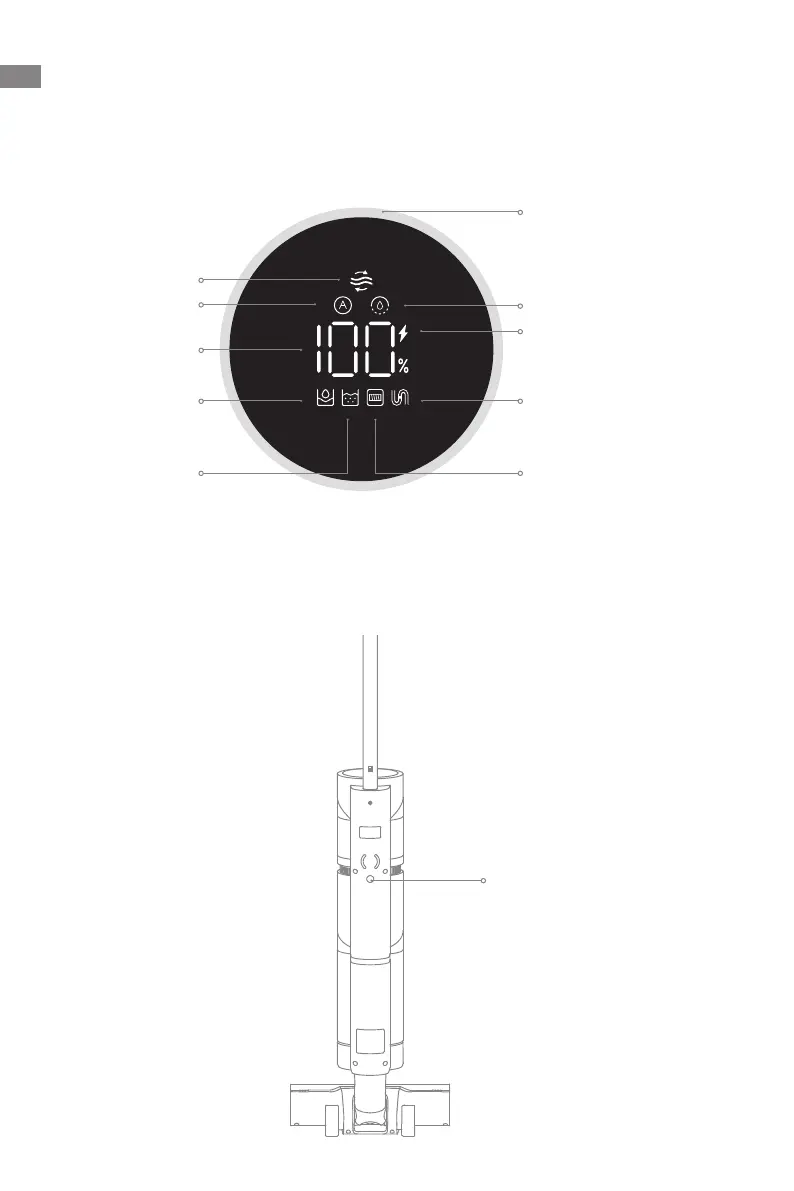
Product Overview
Display Screen
Suction Mode
Blocked Tube
Brush Roller Stuck /
Brush Roller Not Installed
Used Water Tank
Battery Status Indicator
Self-Cleaning
Auto Mode
Battery Level /
Error
Clean Water Tank
Blinking orange:
clean water tank empty
Blinking red: used water
tank full / used water
tank not installed
• Green: battery level > 20%
• Orange: battery level ≤ 20%
Dust Concentration
Indicator
The color of the curve changes
with the amount of dust in real
time.
Voice Prompt Button
Voice Prompt Button
•
Press briey to activate voice
prompt or adjust the volume
•
Press and hold for 3 seconds to
switch between languages



 To Next Page
 Loading...