deutsch
english
33
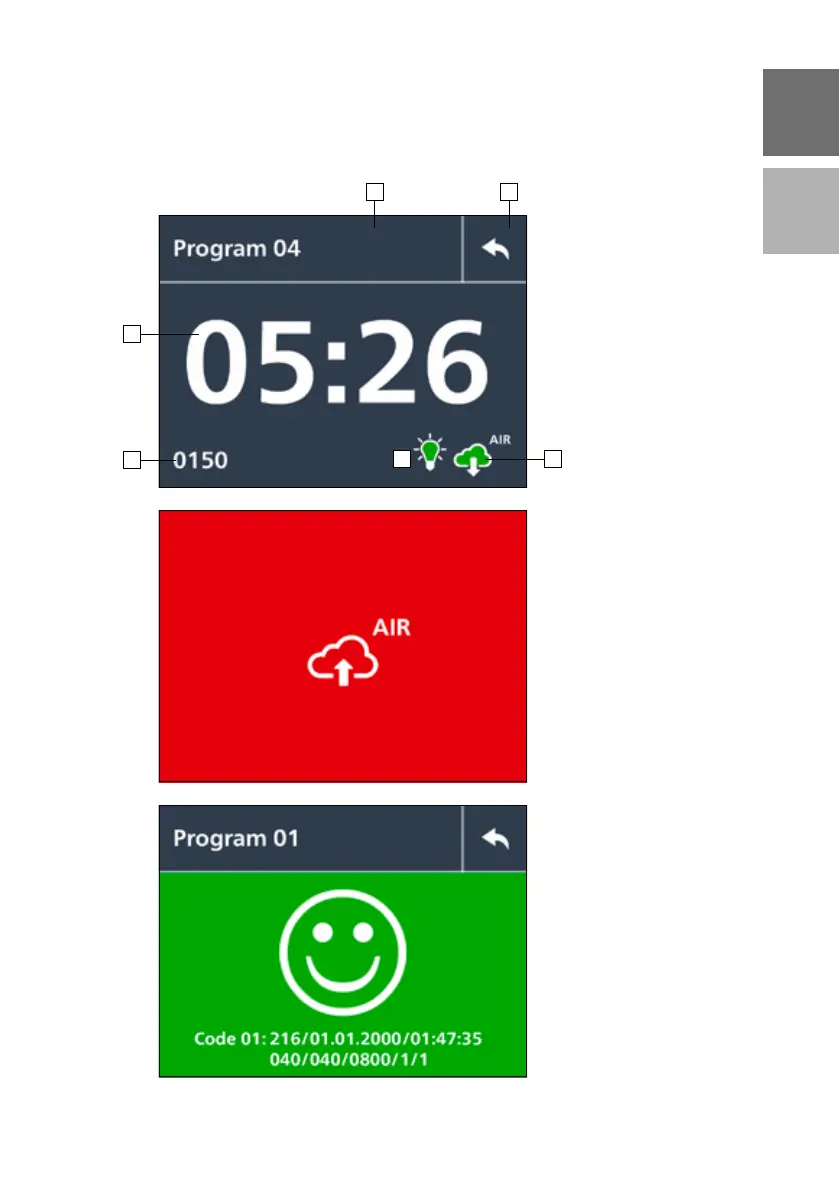
Status window
Additional confirmation starts
the exposure process.
1 – Programme name
2 – Return button
3 – Exposure time
4 – Pressure (mbar)
5 – Exposure icon (ON/OFF)
6 – Exposure atmosphere
(air/vacuum/nitrogen)
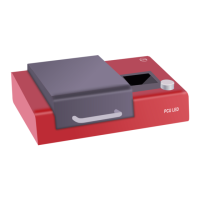
Ventilation of the
exposure room
Wait until the vacuum is
released so that e.g. the sealing
for the exposure chamber is not
destroyed!
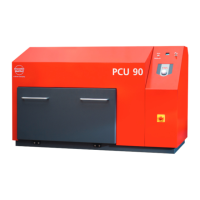
Final process screen
After the exposure process, the
result is shown together with
the used parameter sets.
1 2
3
4
65


 To Next Page