7
J2534 Toolbox 3
The J2534 Toolbox 3 application isautomatically installed on the PC when the pass-thru driver is
installed and will place an icon on the desktop. The purpose of J2534 Toolbox 3 is to provide
current, relative information and assistance to the user. The information is provided viavarious
walk-through documents, OEM documentation, web-links, quick-links, videos, basic diagnostic
functions, connection verification, and more. J2534 Toolbox 3 should be referred to regularly as
information is updated continually.
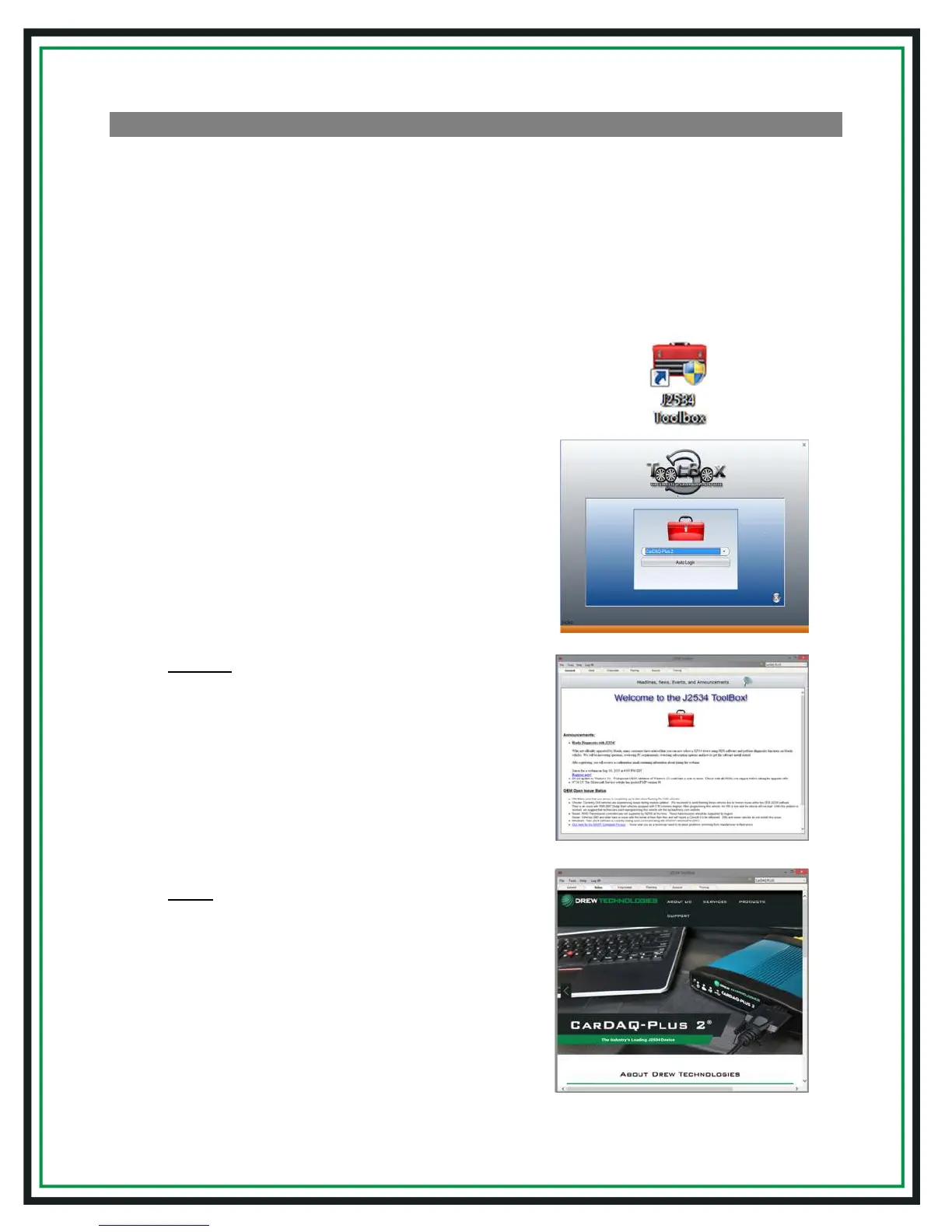
1. Locate and double-click the "J2534 Toolbox" icon
on the Desktop
2. Select your interface from the dropdown menu
and click "Auto Login"
3. General tab: contains important news, current
OEM concerns, training broadcast invitations,
and current information you should review
4. Sales tab: connects you to the
DrewTech website


 To Next Page