Duct A
(Heat
inlet back
of unit)
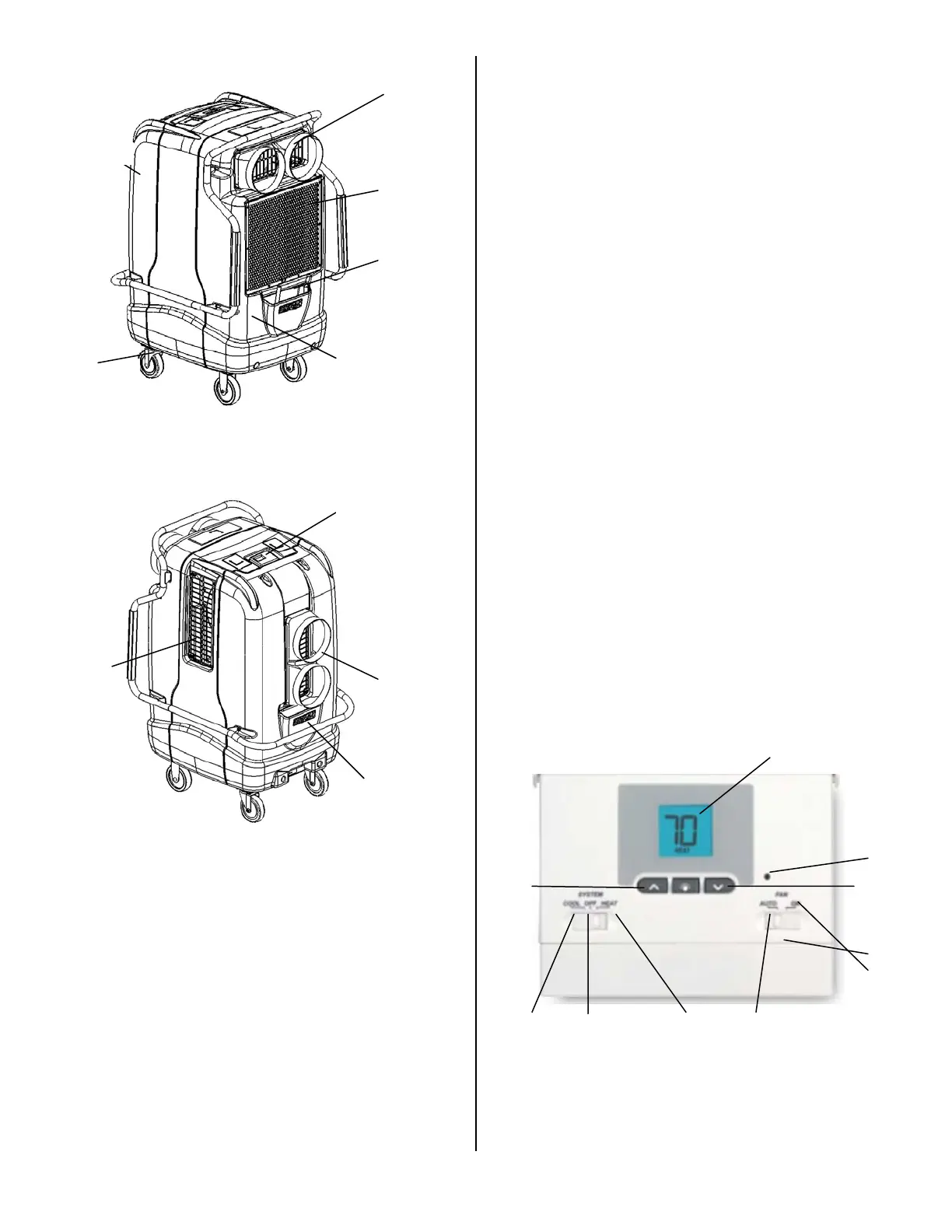
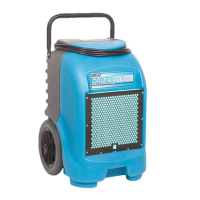
PARTS IDENTIFICATION (Shown, below)
Front (Intake) Filter View
Back View
SETUP
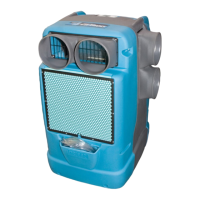
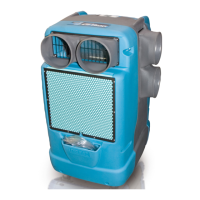
Place dehumidifier upright. When transporting the EB1400 in a
horizontal position is necessary, set upright (vertically) for at
least 30 minutes before operation. When machine is placed in
a horizontal position, oil from the compressor flows into the
refrigerant coils reducing the ability of the EB1400 to function.
OPERATING INSTRUCTIONS
GETTING STARTED
PLACEMENT:
For cooling or heating, place at least one EB1400 per room.
1. Place the unit on a level surface.
2. Make sure the System switch is set to Off then plug power
cord into a standard 115V grounded outlet.
3. Set the digital temperature controls needed to function
(see below).
4. Check for proper operation before leaving the unit
unattended. Do not move or carry the EB1400 when it is
running or plugged in.
OPERATING RANGE
Recommended operating range is between 60° and 105°F (16°
and 46°C). The EB1400 will not function properly when
operating in an environment with temperatures outside this
range.
CYCLE TIMES AND COMPRESSOR PROTECTION
The EB1400 thermostat includes an automatic compressor
protection feature to avoid potential damage to the cooling
system from short cycling. This thermostat automatically
provides a five minute delay after turning off the cooling system
output to protect the compressor. This protection is also
present while operating the unit in heating applications.
Important Notes:
• If unit loses power or gets unplugged during operation,
operator MUST wait five minutes before plugging unit back
in or risk damaging the compressor or tripping the circuit
breaker in the facility.
• Always turn the System switch to OFF before unplugging.
• If the System setting is adjusted during operation the unit
will automatically delay five minutes before start-up.
• When switching unit from cooling to heating or heating to
cooling operator must adjust set point temperature.
TESTING AND PROGRAMMING THERMOSTAT
DIGITAL CONTROLS
TO TEST THERMOSTAT:
1. Move the system switch from OFF to the HEAT position.
Press the ^ button on the keypad until the set point
temperature setting is a minimum of three degrees higher
Duct C:
Process air
outlet (cool)
Heat Cool Off
Up Down
Reset
On
Auto
Fan
control
Digital display
Condense
Front filter
Air Inlet
Drain Hose
pocket
Wheel casters
Rotomolded
shell
Touchpad
temperature
controls
Cord
pocket
Duct B:
Process air
heat recovery
outlet
Duct A:
Process air
heat recovery
inlet
07-01626B 2008-05 Copyright 2007 Dri-Eaz Products, Inc. 2




 To Next Page