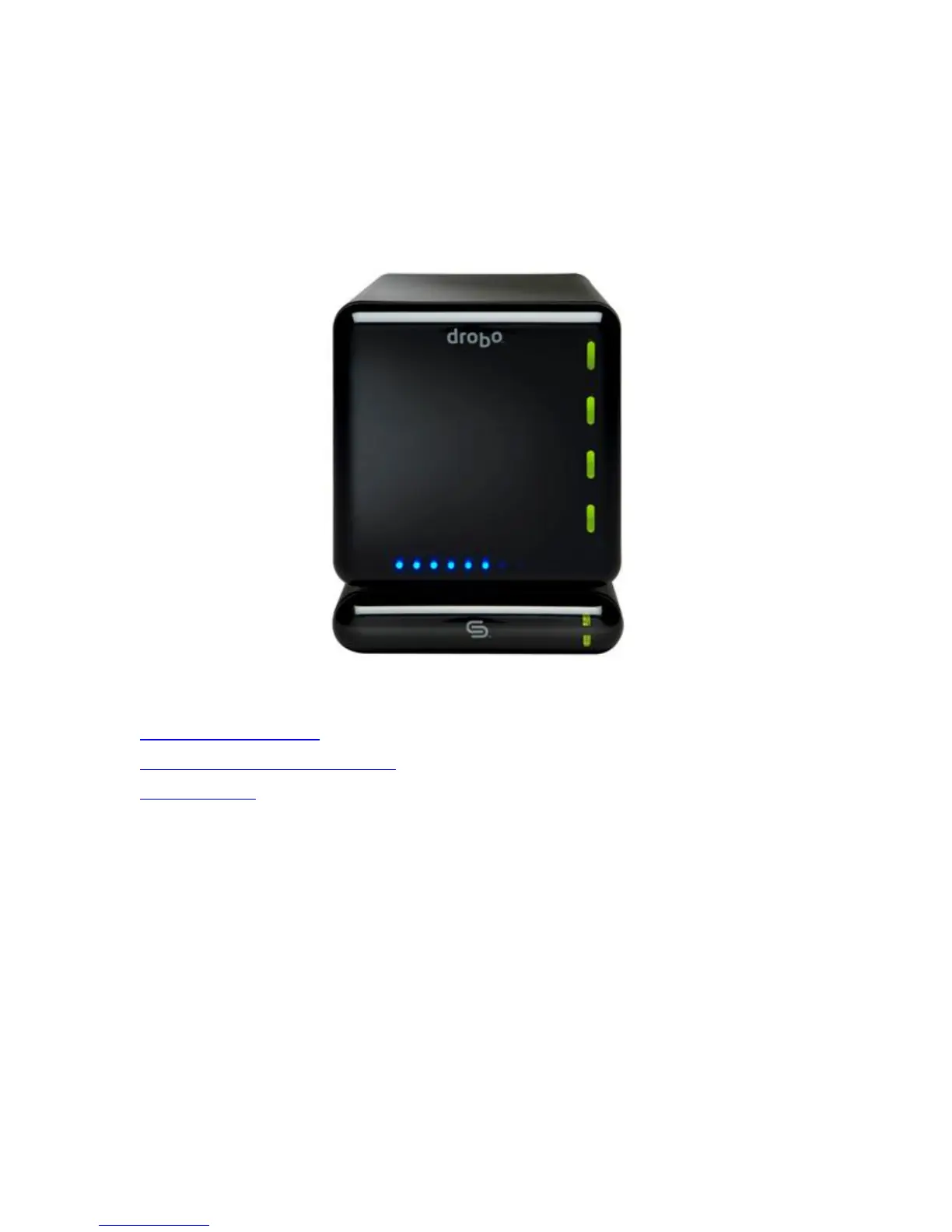
Sharing Drobo Between Computers
Drobo connects directly to one computer at a time via the provided FireWire 800 or USB 2.0 cable. However, you may
have a need to share your Drobo across your network. This is easily done using DroboShare, a unique companion to
Drobo. Using Drobo with DroboShare, computers will ”see” Drobo in their list of network devices and allow for centralized
storage or easy file sharing between computers. This unique design allows Drobo to be either directly attached to your
Mac or shared over the network depending on your needs.
Related Topics
The Ins and Outs of DroboShare
Connecting Drobo to Your Mac or DroboShare
DroboShare Settings
2



 To Next Page