QBC STAR System Operator’s Manual
6000-300-000 7–2
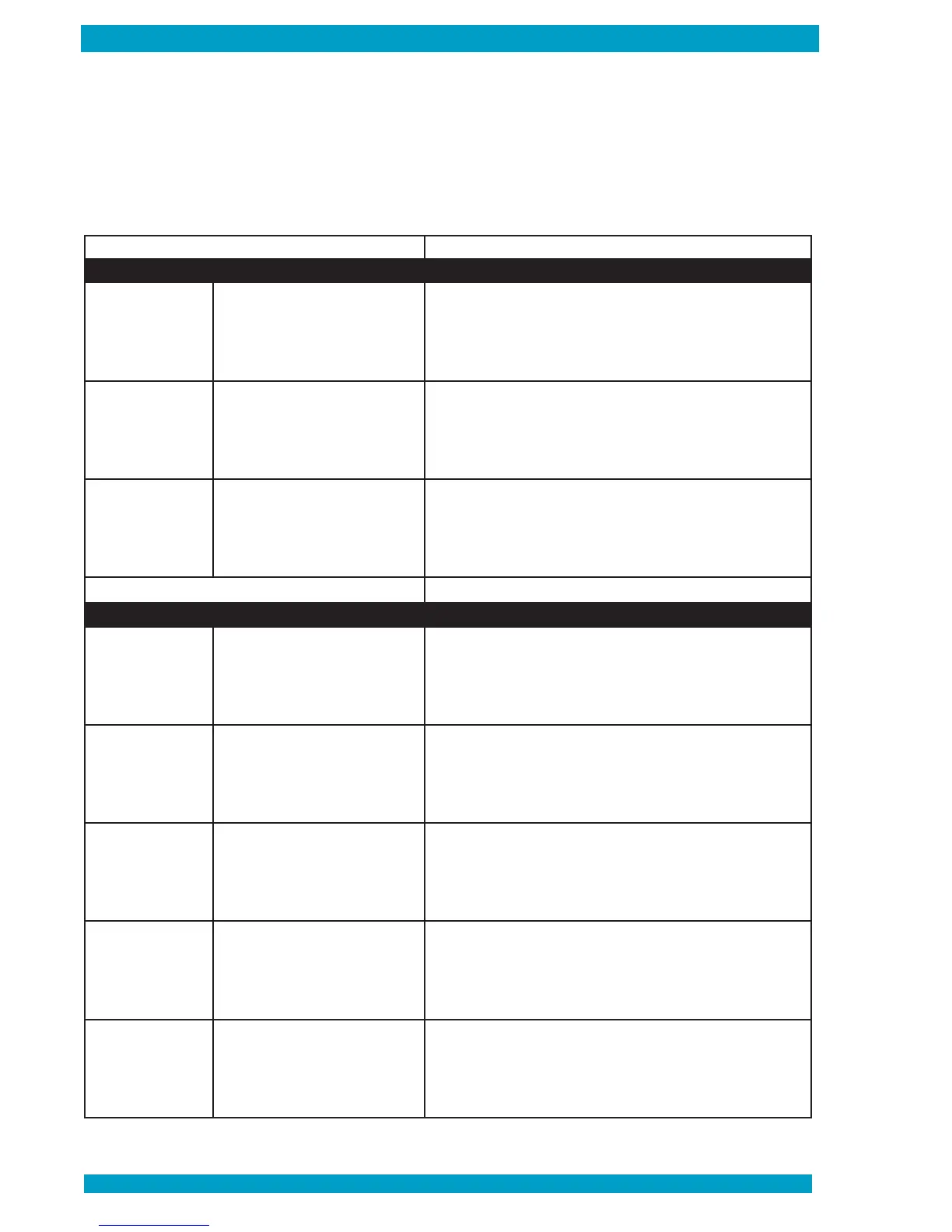
E1 - Main Board
Error Number Description Corrective Action
100 Main board error
1. Record the error message displayed on the LCD screen
2. Export the support le (Ref. page 2-8)
3. Power down the instrument (Ref. page 4-10)
4. Turn the instrument Power on (Ref. page 4-2)
5. If the error persists contact Technical Support
101
Main board/IO board
communication error
1. Record the error message displayed on the LCD screen
2. Export the support le (Ref. page 2-8)
3. Power down the instrument (Ref. page 4-10)
4. Turn the instrument Power on (Ref. page 4-2)
5. If the error persists contact Technical Support
102 System runtime error
1. Record the error message displayed on the LCD screen
2. Export the support le (Ref. page 2-8)
3. Power down the instrument (Ref. page 4-10)
4. Turn the instrument Power on (Ref. page 4-2)
5. If the error persists contact Technical Support
E2 - Centrifuge Board and Motor
Error Number Description Corrective Action
200 Motor/centrifuge control board error
1. Record the error message displayed on the LCD screen
2. Export the support le (Ref. page 2-8)
3. Power down the instrument (Ref. page 4-10)
4. Turn the instrument Power on (Ref. page 4-2)
5. If the error persists contact Technical Support
201
Centrifuge control board
communication error
1. Record the error message displayed on the LCD screen
2. Export the support le (Ref. page 2-8)
3. Power down the instrument (Ref. page 4-10)
4. Turn the instrument Power on (Ref. page 4-2)
5. If the error persists contact Technical Support
202
Main board/centrifuge control
board synchronization error
1. Record the error message displayed on the LCD screen
2. Export the support le (Ref. page 2-8)
3. Power down the instrument (Ref. page 4-10)
4. Turn the instrument Power on (Ref. page 4-2)
5. If the error persists contact Technical Support
203 Centrifuge motor stop error
1. Record the error message displayed on the LCD screen
2. Export the support le (Ref. page 2-8)
3. Power down the instrument (Ref. page 4-10)
4. Turn the instrument Power on (Ref. page 4-2)
5. If the error persists contact Technical Support
206
Centrifuge control board response
error
1. Record the error message displayed on the LCD screen
2. Export the support le (Ref. page 2-8)
3. Power down the instrument (Ref. page 4-10)
4. Turn the instrument Power on (Ref. page 4-2)
5. If the error persists contact Technical Support
From time to time, the QBC STAR may display an error code. A USB flash drive is included with the QBC
STAR to download a support file of the error code (see page 2-8 for instructions on how to download the
support file). If any of the error messages below appear, please follow the corrective action. If the error
code is still displayed, contact Technical Support at +1-866-265-1486 (U.S. only) or; +1-814-692-7661 for
assistance.
System Error Codes


 To Next Page