39
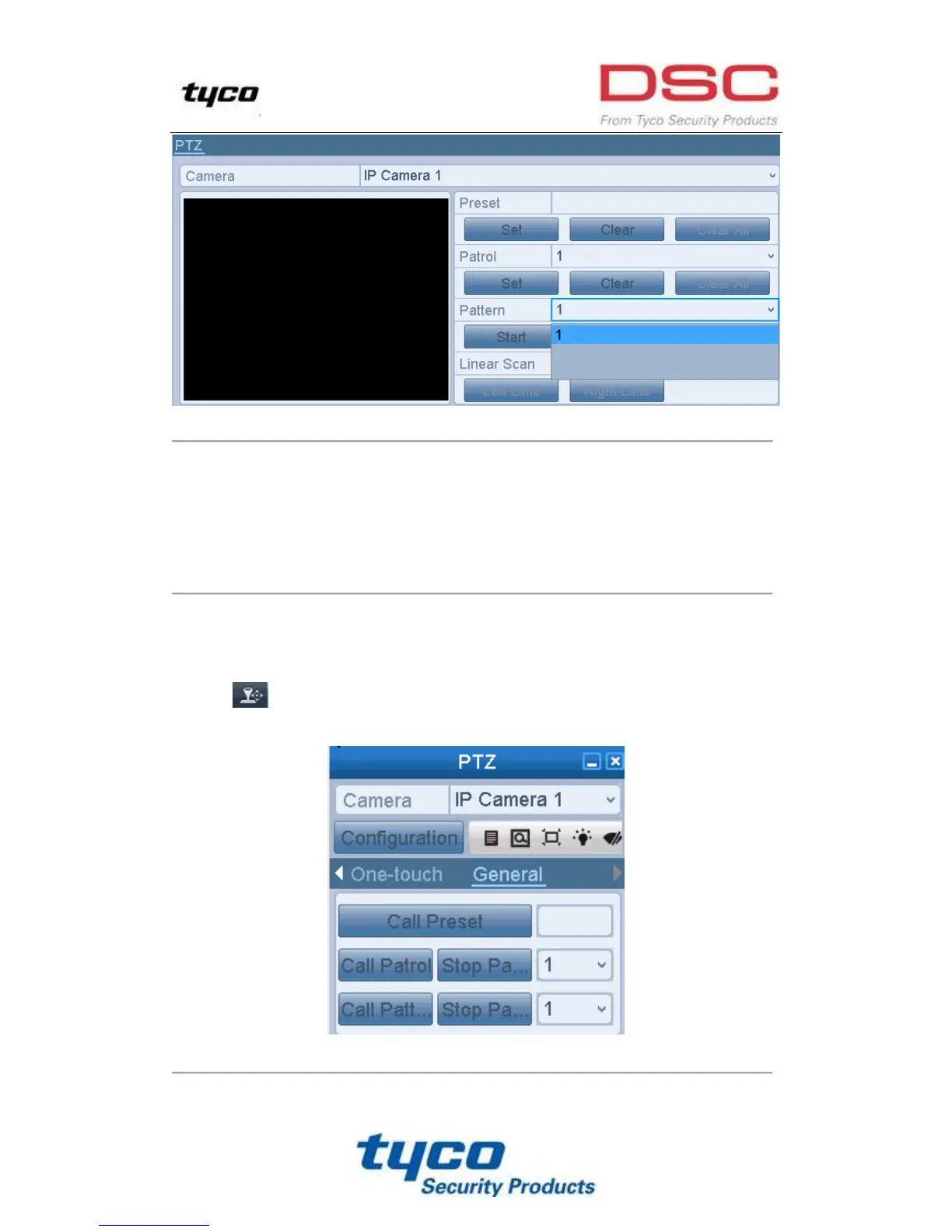
Figure 4. 7 PTZ- Pattern
4.2.6 Calling Patterns
Purpose:
Follow the procedure to move the PTZ camera according to the predefined patterns.
Call pattern in live view mode.
Steps:
1. In the live view mode, press PTZ control on the front panel or on the remote control, or click PTZ Control
icon on the quick setting panel.
2. And then choose Pattern on the control bar.
Figure 4. 8 PTZ Panel- Pattern



 To Next Page