62
Front Panel: press PLAY button to play back record files of the channel under single-screen live view mode.
Pressing numerical buttons will switch playback to the corresponding channels during playback
process.
2. Playback management.
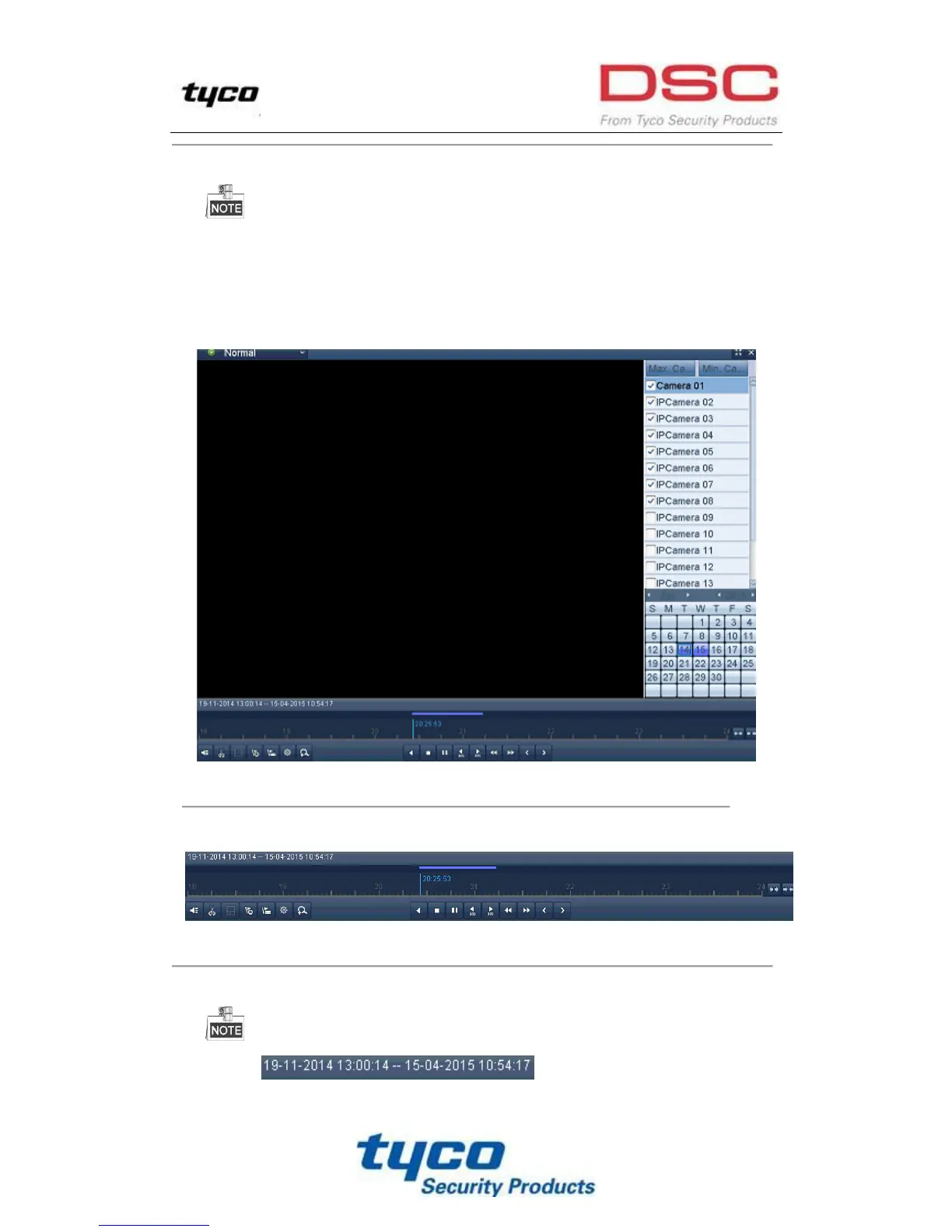
The toolbar in the bottom part of Playback interface can be used to control playing progress, as shown in
Figure 6. 3.
Figure 6. 3 Playback Interface
Click the channel(s) to execute simultaneous playback of multiple channels.
Figure 6. 4 Toolbar of Playback
The indicates the start/end time of the record.
Table 6. 1 Detailed Explanation of Playback Toolbar



 To Next Page