83
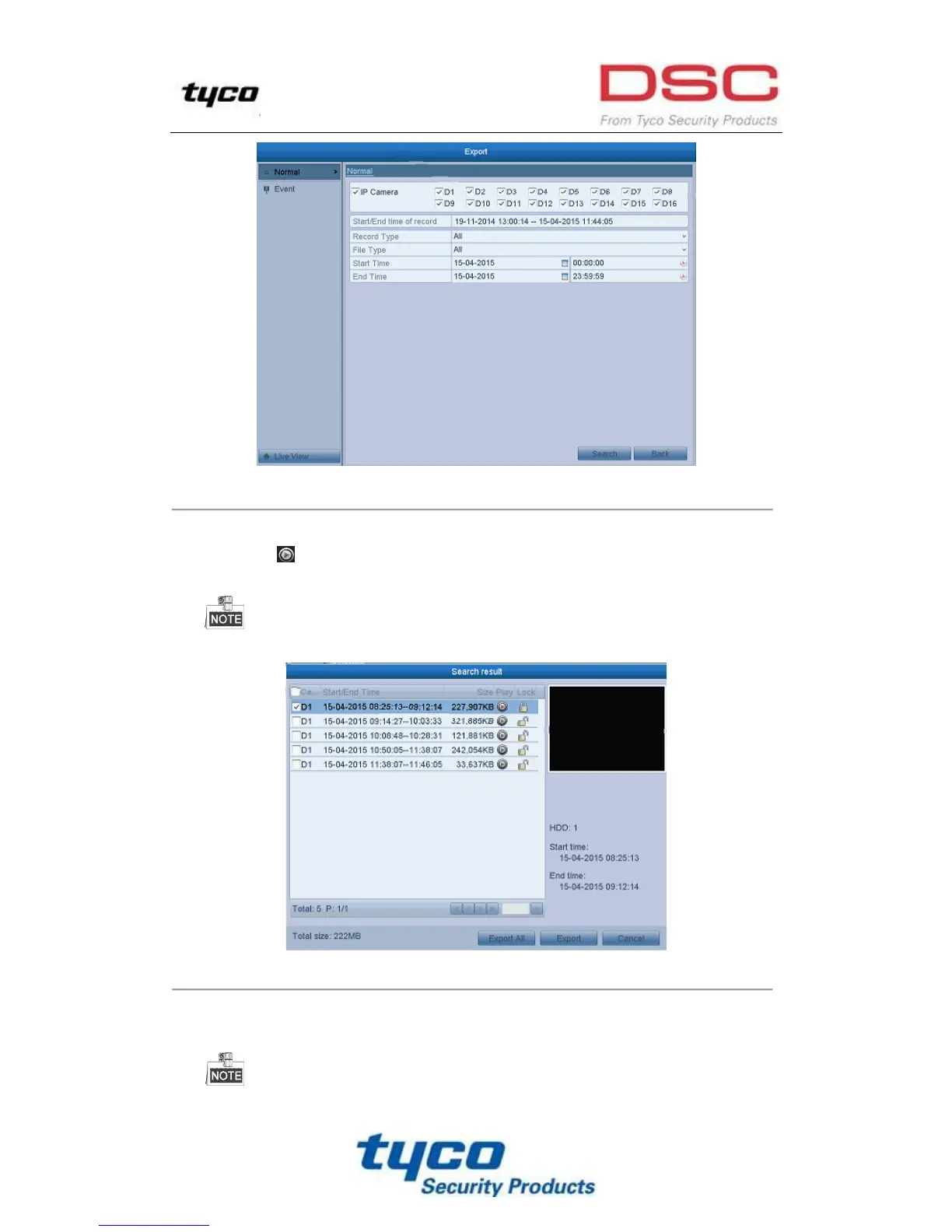
Figure 7. 6 Normal Video Search for Backup
3. Select record files you want to back up.
Click button to play the record file if you want to check it.
Check the checkbox before the record files you want to back up.
The size of the currently selected files is displayed in the lower-left corner of the window.
Figure 7. 7 Result of Normal Video Search for Backup
4. Export.
Click Export button and start backup.
If the inserted USB writer or SATA writer is not recognized:



 To Next Page