Issue 1 9
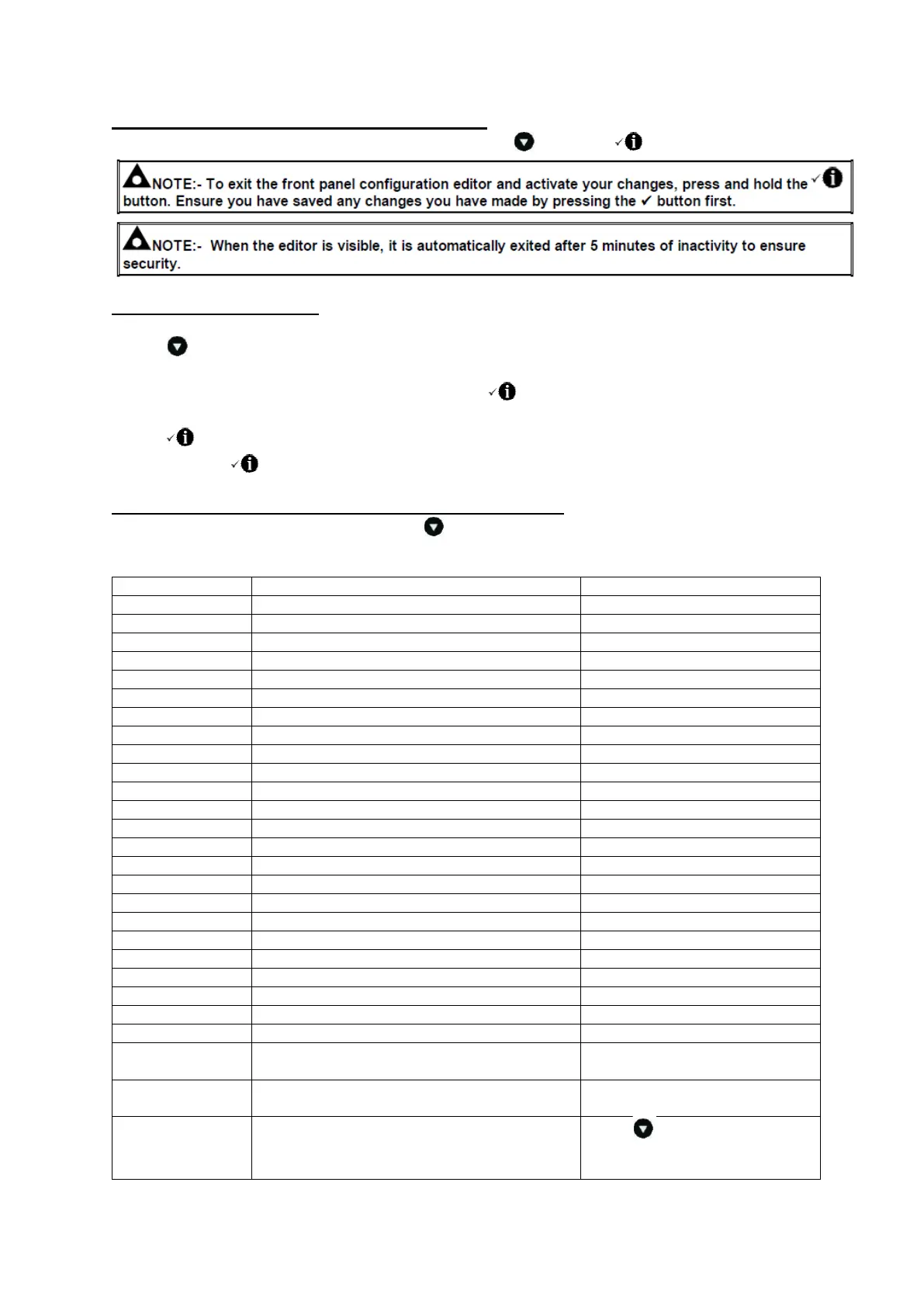
9.1 ACCESSING THE FRONT PANEL EDITOR (FPE)
To enter the ‘configuration mode’ press both the DOWN and INFO buttons together.
9.2 EDITING A PARAMETER
Enter the editor as described above.
Press to select the required ‘page’ as detailed below.
Press + to select the next parameter or - to select the previous parameter within the current page.
When viewing the parameter to be changed, press the button. The value begins to flash.
Press + or - to adjust the value to the required setting.
Press to save the current value, the value ceases flashing.
Press and hold the button to activate the changes you have made and exit the editor.
9.3 ADJUSTABLE PARAMETERS (CONFIGURATION EDITOR)
When viewing the configuration editor, Press to select the required ‘page’ as listed below.
Front Panel Configuration Editor (Factory default settings are shown in bold italicised text)
Parameter as shown on
Generator Transient Delay
Active, Inactive (only available
when Scheduler is active)
Weekly, Monthly (only available
when Scheduler is active)
Schedule time and date selection
(1-16)
Press when editing to select
the different parameters within
the scheduler.



 To Next Page