04/2022
-
Version 1
DoorTec Deutschland | www.doortec.online
7
Änderungen vorbehalten | Subject to Modifications
The factory setting is shown in bold letters.
Parameter Value
Operation mode
01 = Hold to run OPEN
Hold to run CLOSE (bridge in terminal X3 / 23-24 when there is
no safety edge)
02 = Impulse OPEN
Hold to run CLOSE (bridge in terminal X3 / 23-24 when there is
no safety edge)
03 = Impulse OPEN
Impulse CLOSE
04 = Impulse OPEN
Impulse CLOSE
0,5 sec reverse by stop on force control in opening direction.
Notice: The door will always run in hold-to-run mode when programming.
Reaction – Failure on photo or
Safety edge
00 = Hold to run operation not possible when failure on photo or safety
edge.
The door cannot close when there is an error on photo or safety edge.
By a special code the door can close one time in hold to run mode.
Press and hold STOP when pressing 222111
(2 = DOWN push button and 1 = OP push button).
01 = Hold to run possible when failure on photo or safety edge.
Selection of Limits
00 = Mechanical Limits
01 = Dalmatic right turning
02 = Dalmatic left turning
03 = Feig TST PD right turning
04 = Feig TST PD left turning
05 = Kostal– right turning
06 = Kostal– left turning
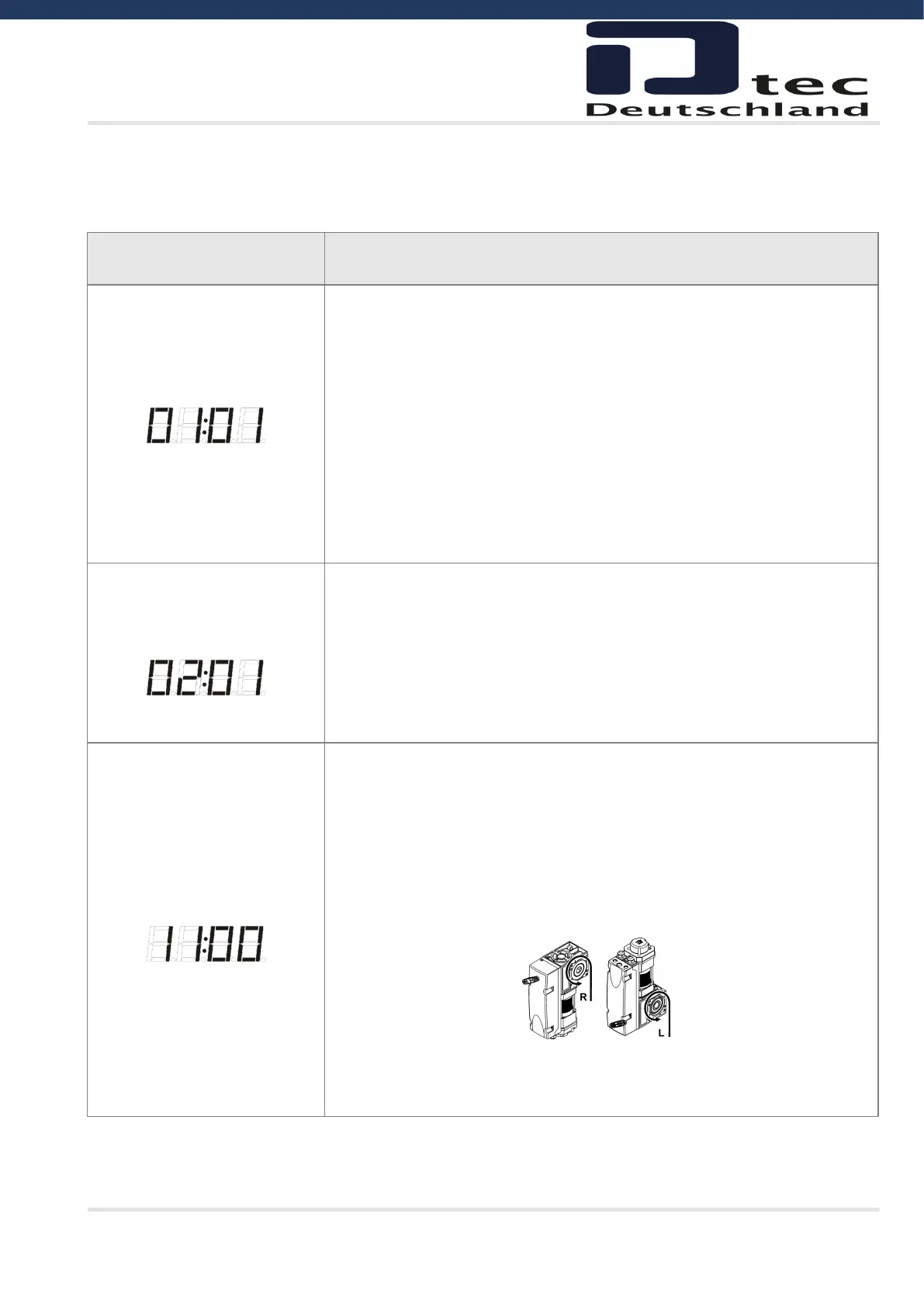
Arrow = door opening
After changing to Kostal encoder a new power up is needed to start communi-
cation.



 To Next Page