8
DoorTec Deutschland | www.doortec.online
04/2022
-
Version 1
Änderungen vorbehalten | Subject to Modifications
Parameter Value
Learning - Electronic
limit OPEN
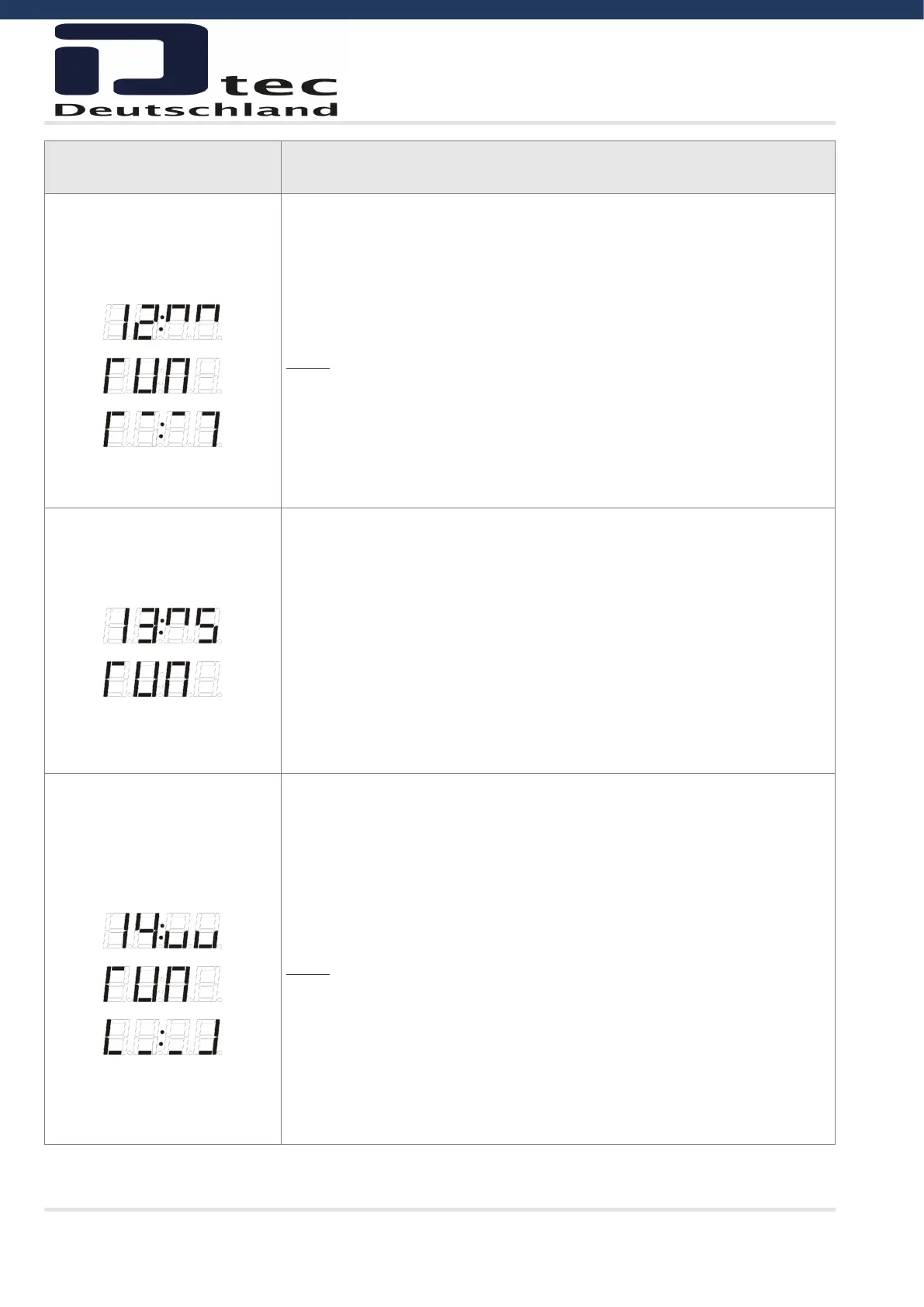
Press STOP 2 times - Display shows ‚run‘.
Run the door to open position. (By pressing OPEN or DOWN).
Press the STOP push-button to confirm open limit.
(The display will show open limit symbol about 2 sec. and the display will auto-
matic switch back to active parameter number).
Notice:
• ½ OPEN limit cannot be active during programming (parameter 16).
• Photo in the door frame (parameter 31) cannot be active during learning of
limits.
• When relearning limits parameter 41(force control) and 51(run time) will be
reset to factory setting.
Fine tuning of electronic
limit OPEN
Press STOP push-button until the display parameter value is active.
Fine tune OPEN limit 6-9 more open, 1-4 less open. Press OPEN or CLOSE
push-button to change value.
If the value is changed:
Press STOP push-button (Display shows ”RUN”)
Test the fine tuning by running the door up and down.
Press the STOP push-button to save and return to parameter value.
(adjustment range is maximum +/- 0.8% of the door run range)
Pressing STOP without a value change = return to parameter number.
Learning - Electronic limit
CLOSE
Press STOP 2 times - Display shows ‚run‘.
Run the door to close position (by pressing OPEN or DOWN). Normally 3-5 cm
from the floor.
Press the STOP push-button to confirm close limit.
(The display will show close limit symbol about 2 sec. and the display will auto-
matic switch back to active parameter number)
Notice:
• ½ OPEN limit cannot be active during programming (parameter 16).
• Photo in the door frame (parameter 31) cannot be active during learning of
limits.
• When relearning limits parameter 41 (force control) and 51 (run time) will be
reset to factory setting.
• The safety edge is not active during programming.



 To Next Page