04/2022
-
Version 1
DoorTec Deutschland | www.doortec.online
9
Änderungen vorbehalten | Subject to Modifications
Parameter Value
Fine tuning of electronic
limit CLOSE
Press STOP push-button until the display parameter value is active.
Fine tune OPEN limit 6-9 more open, 1-4 less open. Press OPEN or CLOSE
push-button to change value.
If the value is changed:
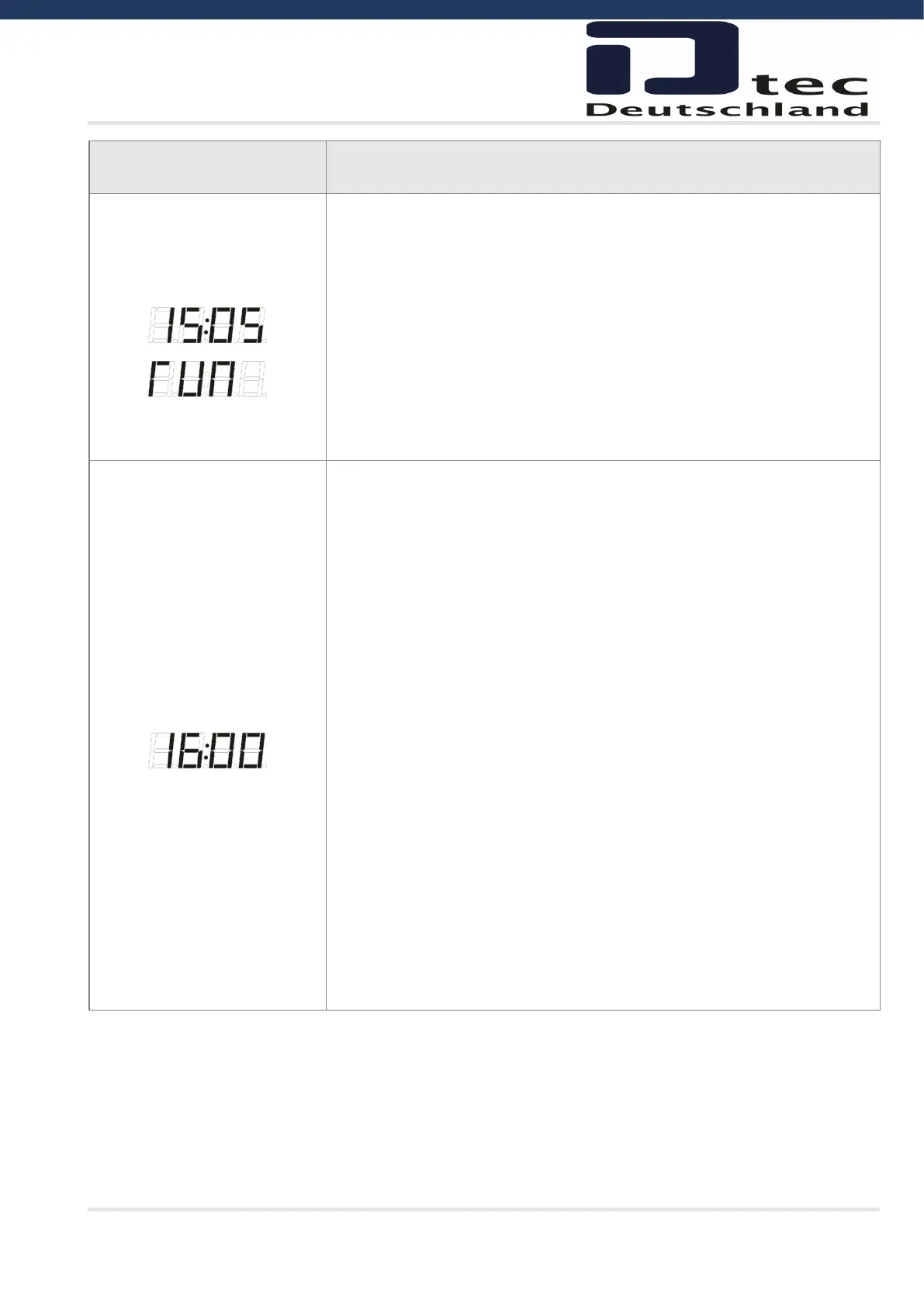
Press STOP push-button (Display shows ”RUN”)
Test the fine tuning by running the door up and down.
Press the STOP push-button to save and return to parameter value
(adjustment range is maximum +/- 0.8% of the door run range)
Pressing STOP without a value change = return to parameter number
½ Open settings
00 = No ½ open active.
Mechanical limit switches: (Value 00 in parameter 11)
01 = ½ open stop active.
Position controlled by mechanical micro switch (NC type)
in terminal 15 + 16.
Short-circuit terminal 15+16 parallel connected by mechanical
switch to ON/OFF this function.
Electronic limits: (Value > 00 selected in parameter 11)
ON/OFF controlled by switch in terminal X3,15+16
02 ½ open stop active. Electronic limit on 50 % open position.
03 ½ open stop active. Electronic limit on 55 % open position.
04 ½ open stop active. Electronic limit on 60 % open position.
05 ½ open stop active. Electronic limit on 65 % open position.
06 ½ open stop active. Electronic limit on 70 % open position.
07 ½ open stop active. Electronic limit on 75 % open position
½ OPEN command by a push button NO in terminal X3,15 + 16
08 ½ open stop active. Electronic limit on 50 % open position.
09 ½ open stop active. Electronic limit on 55 % open position.
10 ½ open stop active. Electronic limit on 60 % open position.
11 ½ open stop active. Electronic limit on 65 % open position.
12 ½ open stop active. Electronic limit on 70 % open position.
13 ½ open stop active. Electronic limit on 75 % open position



 To Next Page